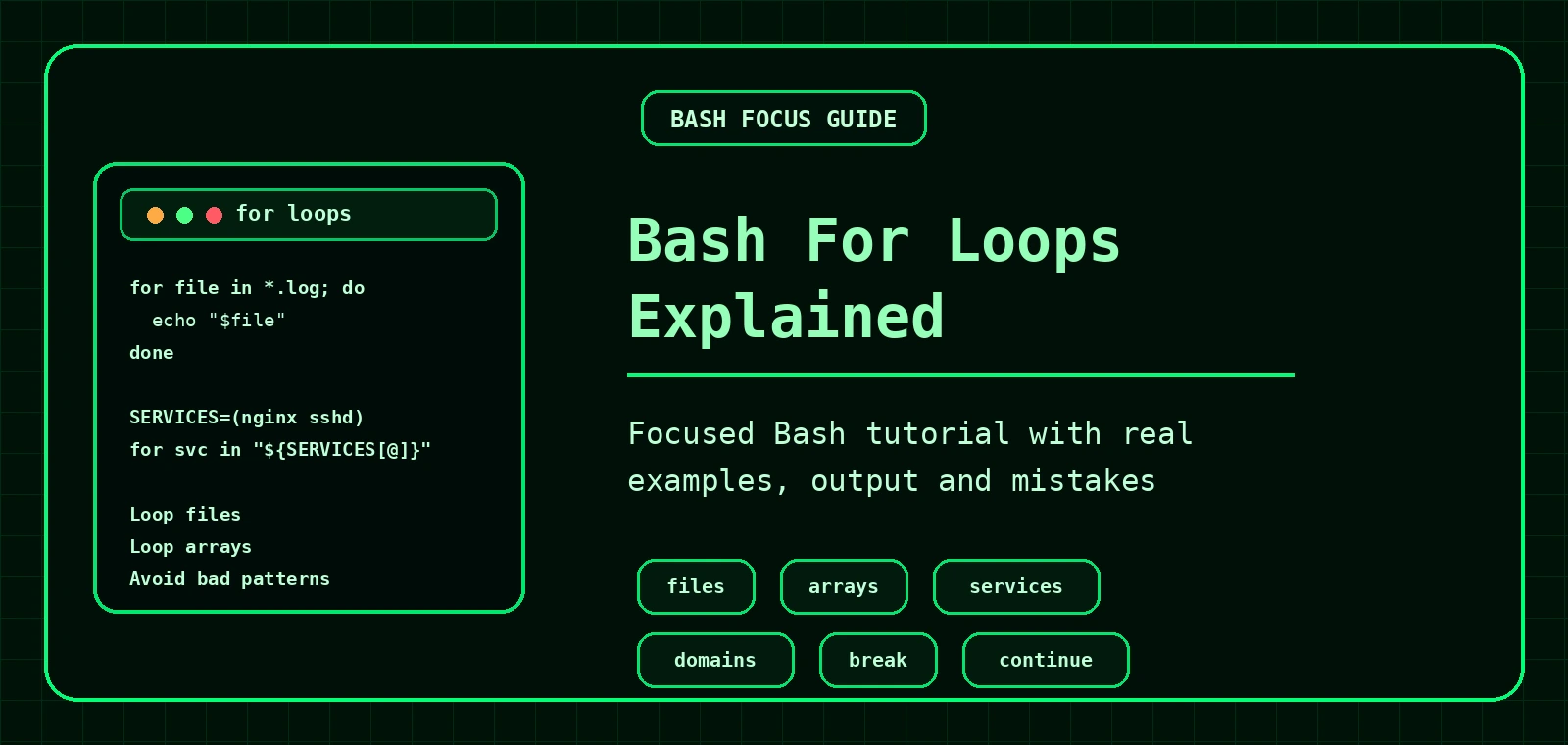
Bash For Loops Explained
Bash for loops let you repeat commands for each item in a list. They are useful for looping through files, services, domains, users, backups, logs and almost any repeated Linux admin task.
Basic Bash for loop syntax
The basic pattern is:
for item in list; do
  command "$item"
done
Example:
for name in alpha beta gamma; do
  echo "$name"
donealpha
beta
gammaThe variable name changes on each loop. First it is alpha, then beta, then gamma.
Loop through files
A common use for for loops is running a command against matching files.
for file in *.log; do
  echo "Found log file: $file"
doneFound log file: access.log
Found log file: error.log
Found log file: debug.logThe shell expands *.log before the loop runs. That means the loop sees a list of matching filenames.
Safely handle missing matches
If no .log files exist, Bash may leave the pattern unchanged. This can produce confusing output.
for file in ./*.log; do
  [ -e "$file" ] || continue
  echo "$file"
done
The line [ -e "$file" ] || continue means: if the path does not exist, skip this loop item.
"$file", not $file. Quoting variables helps protect filenames with spaces.Be careful looping through command output
This pattern is common, but risky:
for file in $(find . -name "*.log"); do
  echo "$file"
done
It breaks when filenames contain spaces, tabs or unusual characters. A safer pattern is:
find . -name "*.log" -print0 | while IFS= read -r -d '' file; do
  echo "$file"
done./access.log
./old logs/error log 2026.log
./debug.logFor simple beginner scripts, looping over ./*.log is fine. For recursive file searches, prefer the safer find -print0 pattern.
Loop through a Bash array
Arrays are useful when you have a fixed list, such as services or domains.
SERVICES=("nginx" "mysql" "sshd")

for service in "${SERVICES[@]}"; do
  echo "$service"
donenginx
mysql
sshdThe quoted "${SERVICES[@]}" form is the safe way to loop through each array item.
Check multiple Linux services
#!/usr/bin/env bash

SERVICES=("nginx" "mysql" "sshd")

for service in "${SERVICES[@]}"; do
  if systemctl is-active --quiet "$service"; then
    echo "[OK] $service is running"
  else
    echo "[WARN] $service is not running"
  fi
done[OK] nginx is running
[WARN] mysql is not running
[OK] sshd is runningThis is a practical loop for Linux troubleshooting. For more service commands, see the systemd guide.
Check multiple domains with dig
#!/usr/bin/env bash

DOMAINS=("example.com" "example.org" "commandlinequiz.com")

for domain in "${DOMAINS[@]}"; do
  echo "== $domain =="
  dig +short "$domain"
  echo
done== example.com ==
93.184.216.34
== example.org ==
93.184.216.34
== commandlinequiz.com ==
104.21.10.123
172.67.150.45For more DNS troubleshooting, read the dig command guide.
C-style Bash for loops
Bash also supports a counting style loop.
for ((i = 1; i <= 5; i++)); do
  echo "Attempt $i"
doneAttempt 1
Attempt 2
Attempt 3
Attempt 4
Attempt 5This is useful for counters, retries and simple repeated attempts.
Using break and continue
continue skips to the next loop item. break exits the loop completely.
for file in ./*.log; do
  [ -e "$file" ] || continue

  if [ "$file" = "./error.log" ]; then
    echo "Found error.log"
    break
  fi
doneFound error.logCommon Bash for loop mistakes
| Mistake | Problem | Better option |
|---|---|---|
for file in $(ls) | Breaks with spaces and odd filenames. | Use globs or find -print0. |
echo $file | Unquoted variable can split words. | echo "$file" |
rm "$file" without testing | Destructive loop with no preview. | Echo first, then delete once verified. |
Using arrays with sh | Arrays are Bash-specific. | Use #!/usr/bin/env bash. |
Practice exercises
- Loop through three service names and print each one.
- Loop through all
.txtfiles and print their size withls -lh. - Loop through a list of domains and run
dig +short. - Loop through log files and count lines with
wc -l.
Keep learning Bash
Safer file loops with spaces in filenames
Simple loops are fine for controlled examples, but real filenames can contain spaces. Quote variables and prefer predictable input.
for file in ./*.log; do
  [ -e "$file" ] || continue
  echo "Checking: $file"
  wc -l "$file"
doneChecking: ./access log.log
1842 ./access log.log
Checking: ./error.log
91 ./error.logWhere for loops fit in Bash scripting
Use for loops when you already have a list. Use while loops when you need to keep going while a condition is true. For reusable logic, move repeated actions into Bash functions.
Frequently Asked Questions
When should I use a Bash for loop?
Use a for loop when you want to repeat commands over a known list of items, such as files, users, domains or arguments.
How do I loop through files safely in Bash?
Quote the variable inside the loop and check that a glob matched before processing it.
What is the difference between for and while loops?
A for loop works through a list. A while loop repeats while a condition remains true.
Can a for loop use command output?
Yes, but be careful with spaces and newlines. For line-based input, a while read loop is often safer.