Linux File Permissions Explained
Linux permissions control who can read, write and execute files and directories. This guide explains chmod, chown, numeric modes like 644 and 755, and the safest way to fix common website permission problems.
Quick answer
For many website files, 644 is a sensible default. For many website directories, 755 is a sensible default. Use chmod to change permissions and chown to change ownership.
Files
chmod 644 file.phpOwner can read/write. Group and others can read.
Directories
chmod 755 public_htmlOwner can read/write/enter. Group and others can read/enter.
Ownership
chown user:user file.phpChanges who owns the file and which group it belongs to.
How to read a Linux permission string
Use ls -l to view permissions, ownership and file details:
ls -l wp-config.php uploads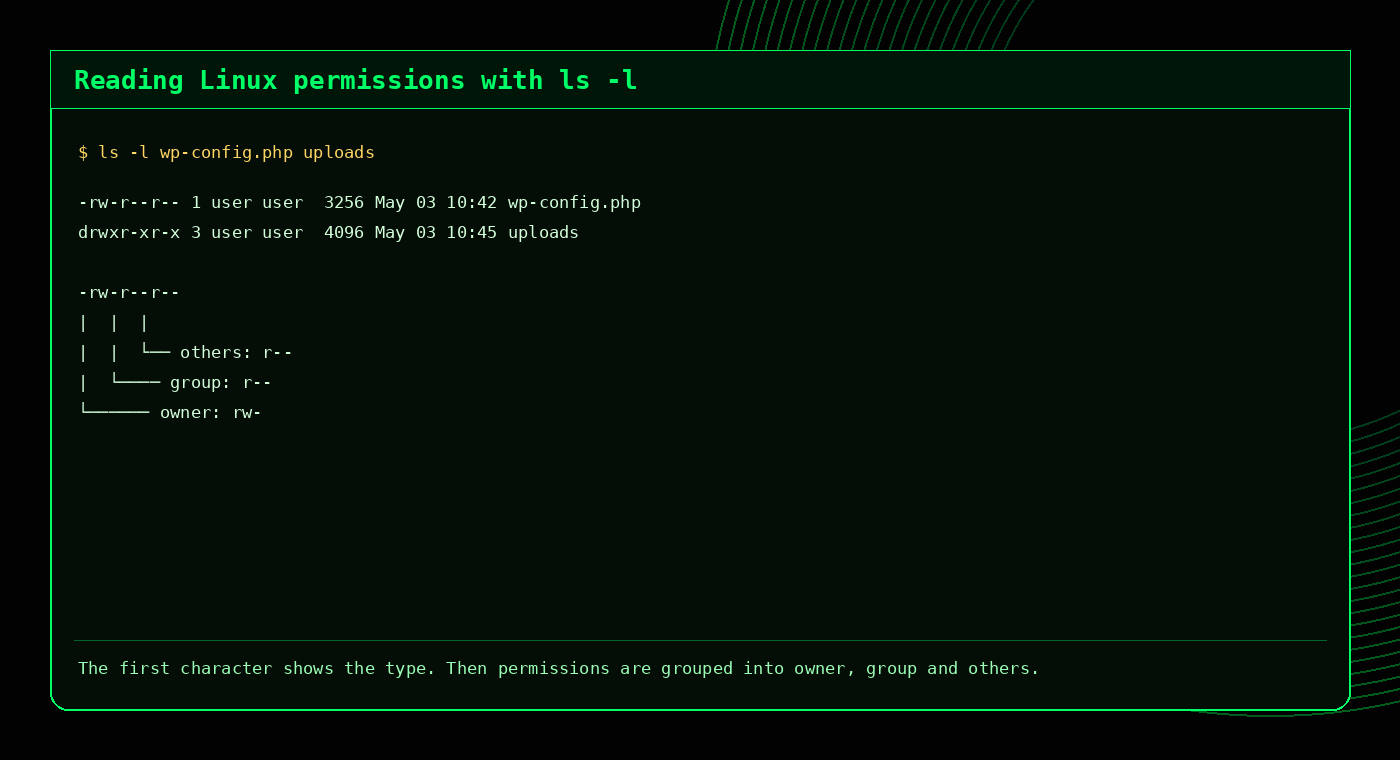
A common output looks like this:
-rw-r--r-- 1 user user 1234 May 3 wp-config.php| Part | Meaning |
|---|---|
- | File type. A dash means a regular file. d means a directory. |
rw- | The owner can read and write. |
r-- | The group can read only. |
r-- | Others can read only. |
user user | The owner and group. |
What do 644 and 755 mean?
Numeric permissions are built from three values: 4 for read, 2 for write and 1 for execute. Add the values together for owner, group and others.
644
Owner: 6 = read + write
Group: 4 = read
Others: 4 = read
-rw-r--r--Common for normal web files such as PHP, HTML, CSS and images.
755
Owner: 7 = read + write + execute
Group: 5 = read + execute
Others: 5 = read + execute
drwxr-xr-xCommon for directories because execute allows users to enter or traverse the directory.
| Mode | Common use | Notes |
|---|---|---|
600 | Private file | Owner read/write only. |
640 | Restricted config file | Owner read/write, group read. |
644 | Normal web file | Good default for many public files. |
700 | Private directory/script | Owner only. |
755 | Normal web directory | Good default for many public directories. |
777 | Avoid unless temporary | Everyone can read, write and execute. |
How to change permissions with chmod
The chmod command changes file and directory permissions. You can use numeric modes or symbolic changes.
Set a file to 644
chmod 644 file.phpSet a directory to 755
chmod 755 uploadsAdd execute for owner
chmod u+x script.shRemove write for others
chmod o-w file.txt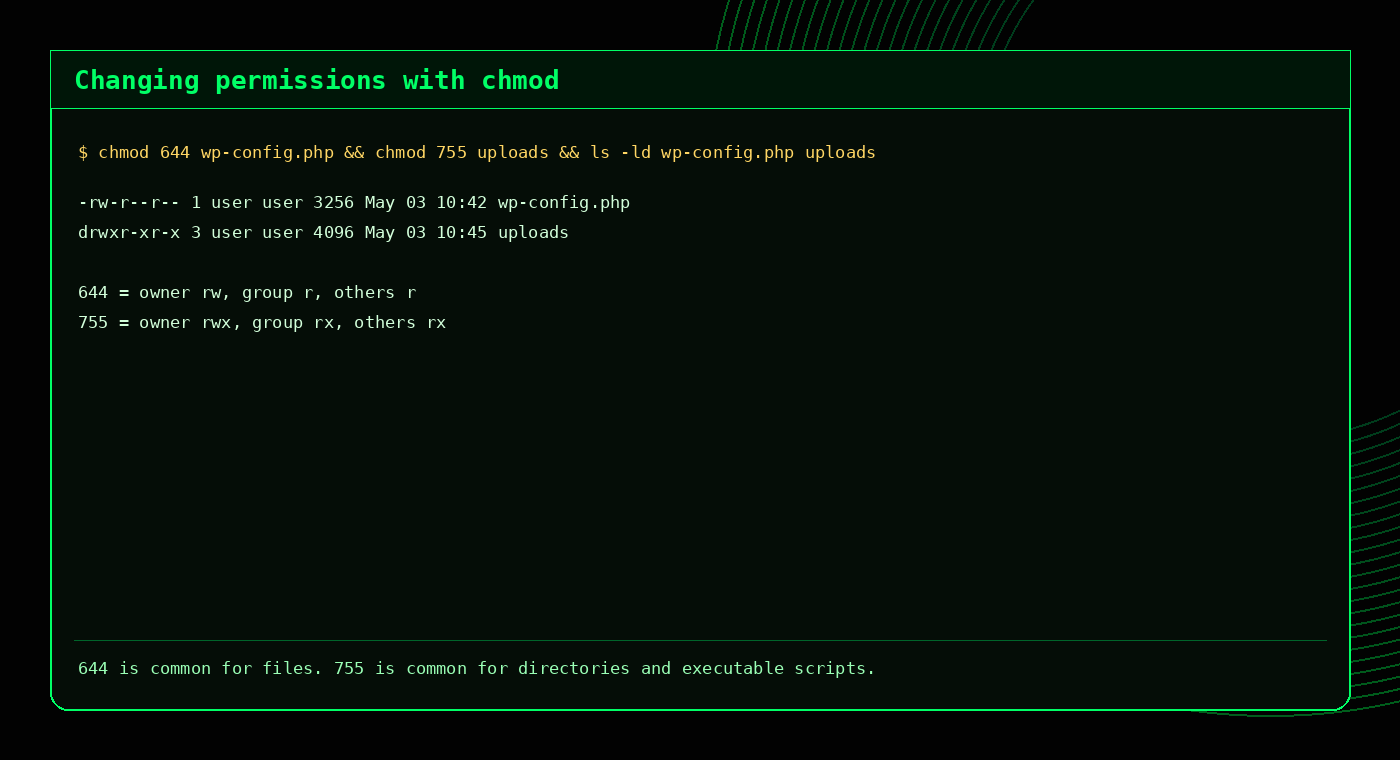
chmod changes permission modes, but it does not change who owns the file.Fix files and directories separately
When fixing a website folder, avoid applying one permission to everything. Files and directories usually need different modes:
find /home/user/public_html -type f -exec chmod 644 {} \;
find /home/user/public_html -type d -exec chmod 755 {} \;
For an easier way to build these commands, use the Permissions Builder.
How to change ownership with chown
The chown command changes the owner and group. This matters when files are uploaded, restored or migrated under the wrong user.
Change owner and group
chown user:user file.phpChange recursively
chown -R user:user /home/user/public_htmlChange group only
chgrp user file.phpCheck current ownership
ls -l file.php
ls -ld public_html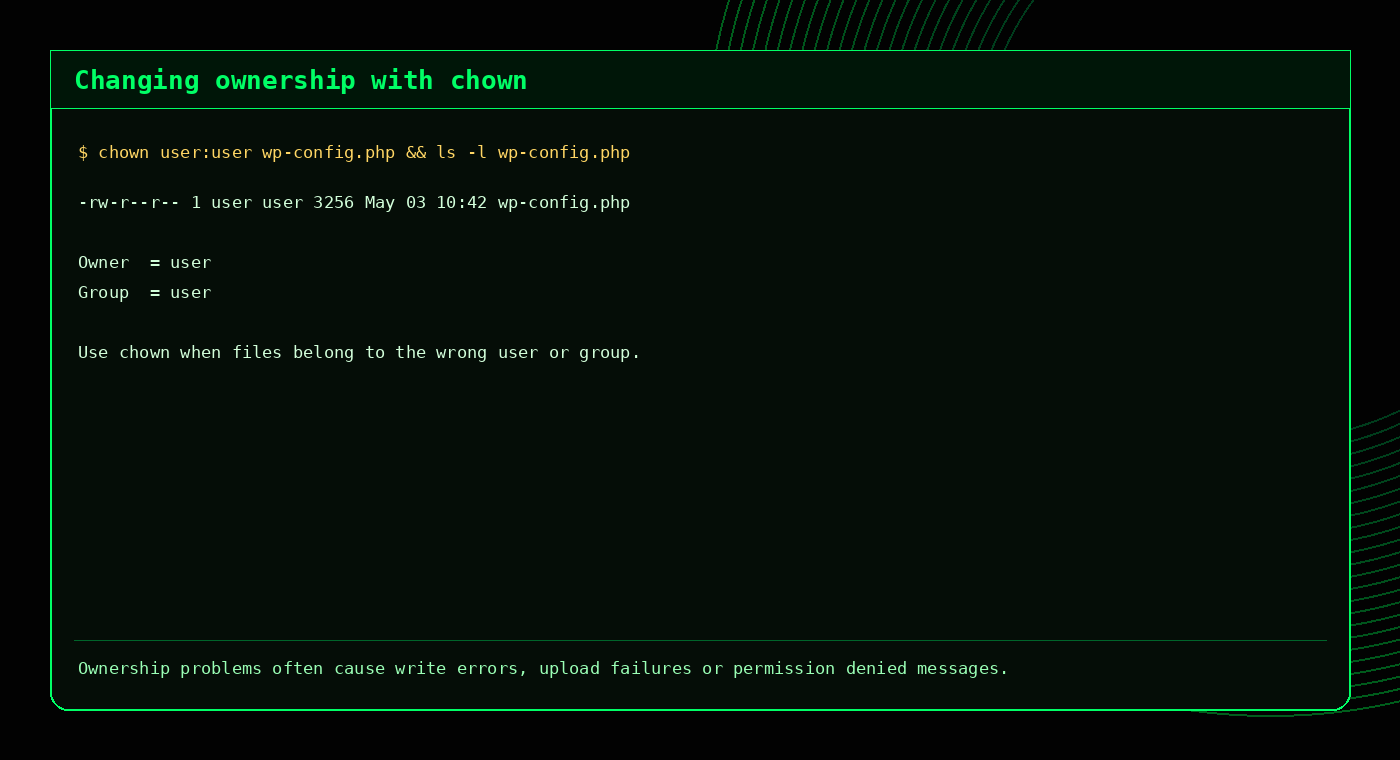
Common website and WordPress permissions
Exact permissions depend on the hosting stack, but these are common starting points for many Linux web hosting environments.
| Item | Common permission | Why |
|---|---|---|
| Regular website files | 644 | Readable by the web server, writable by the owner. |
| Directories | 755 | Allows directory access without making directories world-writable. |
| WordPress uploads | 755 directories, 644 files | Common pattern for uploaded media. |
wp-config.php | 600 or 640 | More restrictive because it contains database credentials. |
| Executable scripts | 700 or 755 | Only executable when they actually need to run directly. |
Avoid the 777 panic button
777 gives read, write and execute permission to everyone. It may appear to fix a write issue, but it usually creates a security risk and hides the real problem, which is often ownership or a more targeted permission.
Build the right chmod command
Not sure whether you need 644, 755, symbolic permissions or a recursive find command? Use the interactive builder to generate a safer command.
Common permission problems and what to check
Permission denied
The current user may not have read, write or execute access. Check with ls -l and ls -ld.
Uploads fail
Check both directory permissions and ownership. Upload directories usually need to be writable by the right user.
Script will not run
The file may not have execute permission, or the path may not be executable.
Site breaks after restore
Files may have been restored as the wrong owner. Check ownership before changing everything to loose permissions.
Useful checks
ls -ld /home/user/public_html
ls -l /home/user/public_html/wp-config.php
find /home/user/public_html ! -user user -ls
find /home/user/public_html -type f -perm -002 -ls
FAQ
What does chmod 644 mean?
The owner can read and write. Group and others can read only.
What does chmod 755 mean?
The owner can read, write and execute. Group and others can read and execute.
What is the difference between chmod and chown?
chmod changes the permission mode. chown changes who owns the file or directory.
Should I use 777?
Usually no. It is better to fix the correct ownership or set a targeted permission than to give everyone write access.
How do I fix WordPress permissions?
A common starting point is 644 for files and 755 for directories, but always check ownership too. The Permissions Builder can help generate the correct command.
Related tools and guides
External references
Common safe permission defaults
| Item | Typical mode | Reason |
|---|---|---|
| Regular website files | 644 | Owner can write, others can read. |
| Directories | 755 | Directories need execute permission to be entered. |
| Private config file | 600 | Only the owner can read or write. |
| Shared config file | 640 | Owner writes, group reads, others have no access. |
777 unless you fully understand the risk and have a very specific temporary reason.Use the Permissions Builder to generate chmod examples safely.
More Linux permissions FAQs
What does chmod 755 mean?
755 means owner can read, write and execute, while group and others can read and execute.
What does chmod 644 mean?
644 means owner can read and write, while group and others can read only.
Why do directories need execute permission?
Execute permission on a directory allows users to enter or traverse it.
Is chmod 777 safe?
Generally no. 777 allows everyone to read, write and execute, which is risky on shared or public systems.