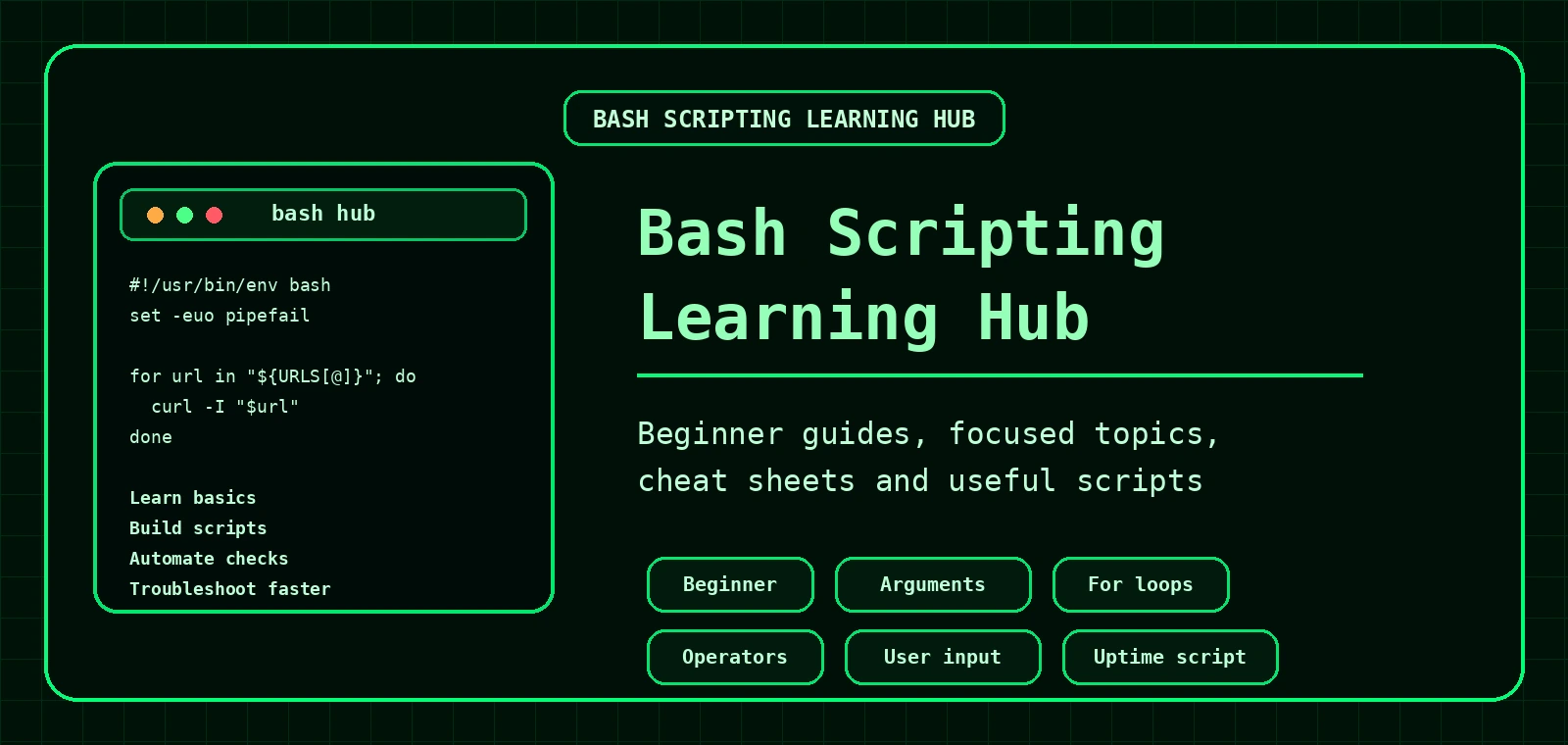
Bash Scripting Hub
Start here if you want to learn Bash scripting properly. This hub links together the beginner series, focused Bash concepts, cheat sheets and practical Linux admin scripts so you can move from your first script to useful automation.
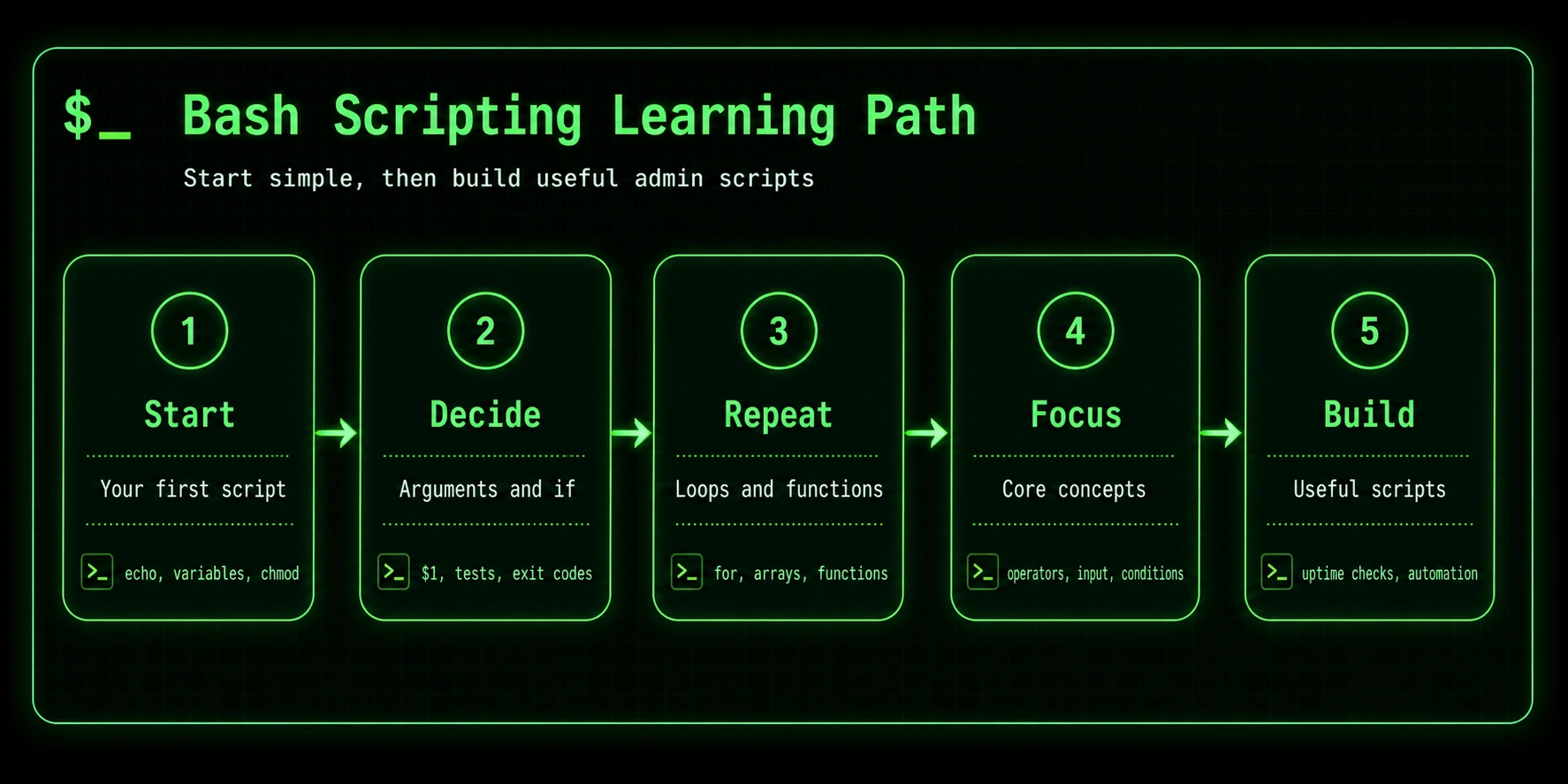
Best way to learn Bash scripting
The quickest way to learn Bash is to start with small scripts, then build real tools. Do not try to memorise every option first. Learn enough to solve a task, then improve the script as you go.
Learn the basics
Start with a simple script, variables, quoting, chmod +x and running scripts safely.
Add decisions
Use arguments, if statements, test operators and exit codes so scripts can make choices.
Repeat and reuse
Use loops, arrays, functions and logging to turn tiny scripts into practical admin tools.
Read Part 3Bash scripting for beginners
Part 1: Your First Script
Create your first Bash script with a shebang, comments, echo, variables and example output.
Part 2: Arguments, If and Exit Codes
Accept input, check arguments, use if statements and return useful exit codes.
Part 3: Loops, Functions and Admin Scripts
Loop through services, create functions, log output and build useful Linux admin scripts.
Open guideCore Bash concepts
Bash Scripting Cheat Sheet
Quick reference for variables, arguments, loops, functions, operators, redirection and useful snippets.
Open cheat sheetBash Script Arguments Explained
Understand $1, $2, $@, $#, usage checks and arguments with spaces.
Bash User Input with read
Learn prompts, confirmations, menus, default values, hidden input and when to use arguments instead.
Open guideBash For Loops Explained
Loop through files, arrays, services, domains and avoid common loop mistakes.
Open guideBash Operators Explained
Learn file tests, string checks, numeric comparisons, logic operators and practical if conditions.
Bash Checker
Use the Bash checker to review commands and practise safer shell scripting patterns.
Open toolPractical Bash script guides
Website Uptime Monitor with curl
Build a Bash uptime monitor that checks HTTP status codes, response time, multiple URLs and logs.
Build scriptAutomate Linux Backups with rsync and systemd
Create a scheduled backup workflow with scripts, logs, dry runs and systemd timers.
Open guideLinux High Disk Usage Troubleshooting
Use Bash-friendly commands like df, du, find and lsof to track disk usage.
Search Logs for Errors on Linux
Use grep, tail and common log paths to find problems quickly.
Related Linux guides for Bash scripting
| Goal | Useful guide | Why it helps |
|---|---|---|
| Check services | systemd Guide | Bash scripts often call systemctl and journalctl. |
| Check websites | Basic Networking Commands | Learn curl, ping, ss, dig and route checks. |
| Check DNS | Dig Command Guide | Useful for scripts that loop through domains and check records. |
| Check firewall rules | firewalld Guide | Useful when a script says a service is up but traffic is blocked. |
| Troubleshoot faster | Linux Troubleshooting Hub | Connects Bash tasks to real server troubleshooting workflows. |
Good next Bash script projects
Disk usage warning script
Check a mount point, compare usage to a threshold and log a warning.
SSL certificate expiry checker
Use openssl to check certificate expiry dates for multiple domains.
Apache log summary script
Summarise top IPs, status codes, 404s, 500s and user agents.
Service health check script
Loop through important services and report which are running or failed.
New to Bash?
Start with Part 1, then keep the cheat sheet open while building small scripts. That is less glamorous than “become a Bash wizard in 10 minutes”, but it actually works.
Suggested Bash scripting learning order
- Write your first Bash script.
- Learn arguments, if statements and exit codes.
- Understand Bash operators.
- Handle user input with read.
- Use for loops for lists and files.
- Use while loops for conditions, menus and retries.
- Turn repeated logic into functions.
Frequently Asked Questions
What should I learn first in Bash scripting?
Start with shebangs, variables, echo, chmod, running scripts and simple arguments.
When should I learn Bash loops?
Learn loops after you understand variables, arguments and if statements.
Is Bash good for automation?
Yes. Bash is excellent for file tasks, server checks, backups, log searches and connecting Linux commands together.
When should I use Python instead of Bash?
Use Python when the task needs complex data structures, APIs, heavy parsing or long-term application logic.