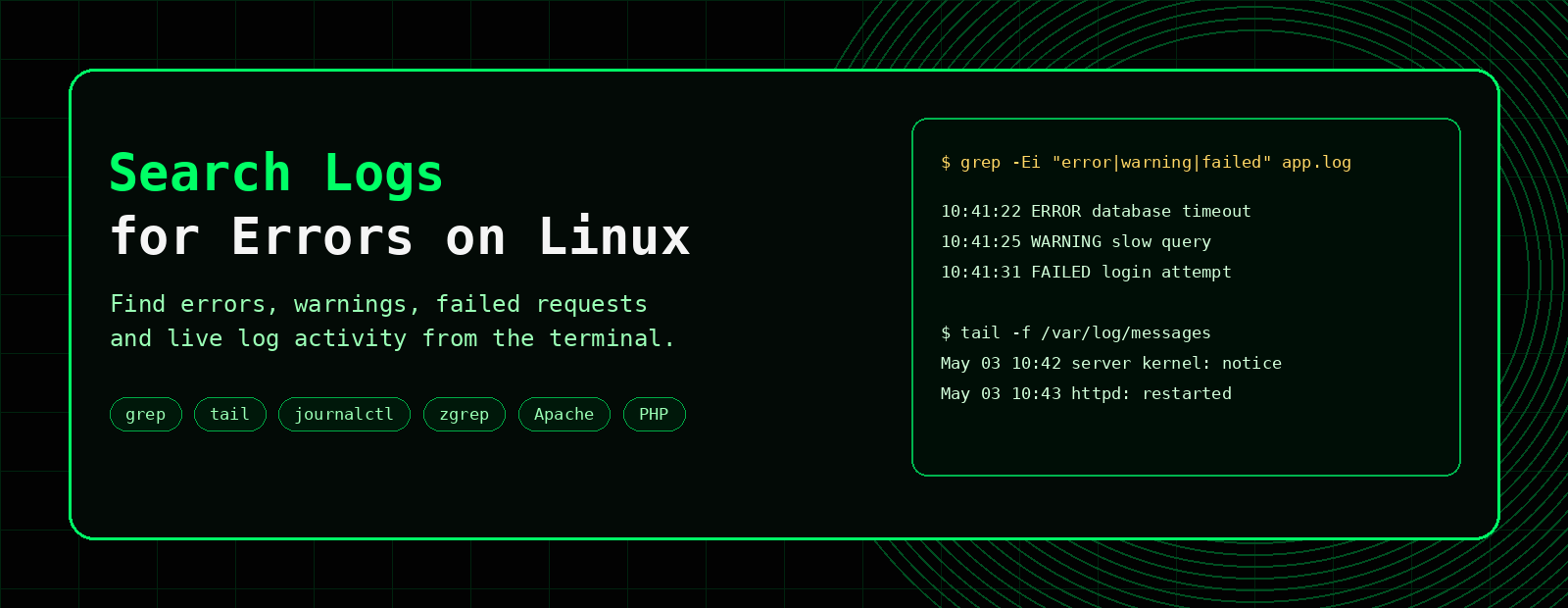
How to Search Linux Logs for Errors
When something breaks on a Linux server, the answer is often already written in a log file. The trick is knowing which log to check and how to search it quickly.
This guide shows practical commands for searching Linux logs for errors using grep, tail, journalctl and zgrep, with examples for web servers, PHP, MySQL, cPanel domlogs and system logs.
grep -Ei "error|warning|failed|fatal" logfile for existing logs, tail -f logfile to watch a log live, and journalctl -p err -b for systemd service errors from the current boot.Linux log search commands at a glance
Start with the command that matches the type of log you are investigating, then narrow the results by time, service, status code or error phrase.
| Task | Command | What it shows |
|---|---|---|
| Search for common errors | grep -iE "error|warning|failed" app.log |
Matches several error terms without case sensitivity. |
| Watch a log live | tail -f /var/log/messages |
Displays new log entries as they are written. |
| Show systemd errors from this boot | journalctl -p err -b |
Shows error-priority journal entries from the current boot. |
| Search compressed logs | zgrep -i "error" /var/log/*.gz |
Searches rotated gzip-compressed logs without extracting them. |
| Watch the Nginx error log | tail -f /var/log/nginx/error.log |
Shows new Nginx errors and upstream failures. |
| Find HTTP 500 requests in a cPanel domlog | awk '$9 ~ /^5/' /usr/local/apache/domlogs/example.com |
Displays requests returning server-side 5xx status codes. |
Build more specific searches with the Grep Command Builder, or keep common options nearby with the Grep Cheat Sheet.
Common Linux log locations
Log locations vary depending on the distribution and services installed, but these are common places to start:
| Log type | Common location | Useful for |
|---|---|---|
| System messages | /var/log/messages or /var/log/syslog | General system activity and service messages. |
| Authentication | /var/log/secure or /var/log/auth.log | SSH logins, failed authentication and sudo activity. |
| Apache error log | /usr/local/apache/logs/error_log, /var/log/apache2/error.log, /var/log/httpd/error_log | Apache errors, permission issues and web server problems. |
| Nginx error log | /var/log/nginx/error.log | Nginx proxy, upstream and web server errors. |
| PHP error log | /home/user/public_html/error_log or PHP-FPM logs | PHP warnings, fatal errors and application issues. |
| cPanel domlogs | /usr/local/apache/domlogs/domain-ssl_log | Requests, status codes, user agents and traffic patterns. |
Search a log file with grep
grep is usually the first command to reach for when searching logs. Use -E for multiple patterns and -i to ignore case.
grep -Ei "error|warning|failed|fatal|exception" app.log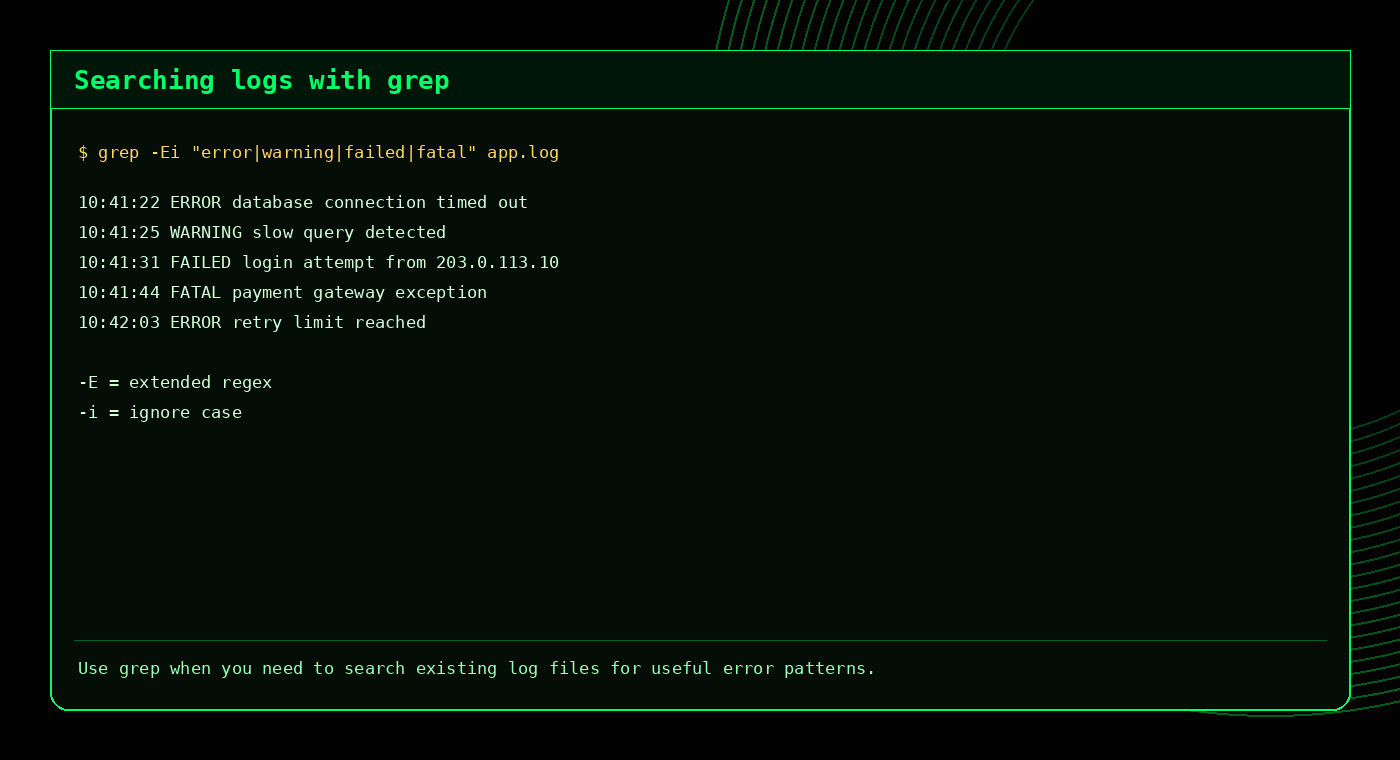
grep -Ei to catch common error words without worrying about capitalisation.Related: Grep Command Builder, Grep Cheat Sheet, Advanced Grep Techniques.
Watch logs live with tail -f
If you are reproducing an issue, use tail -f to watch new log lines as they appear.
tail -f /usr/local/apache/logs/error_log
tail -f /home/username/public_html/error_log
tail -f /var/log/messages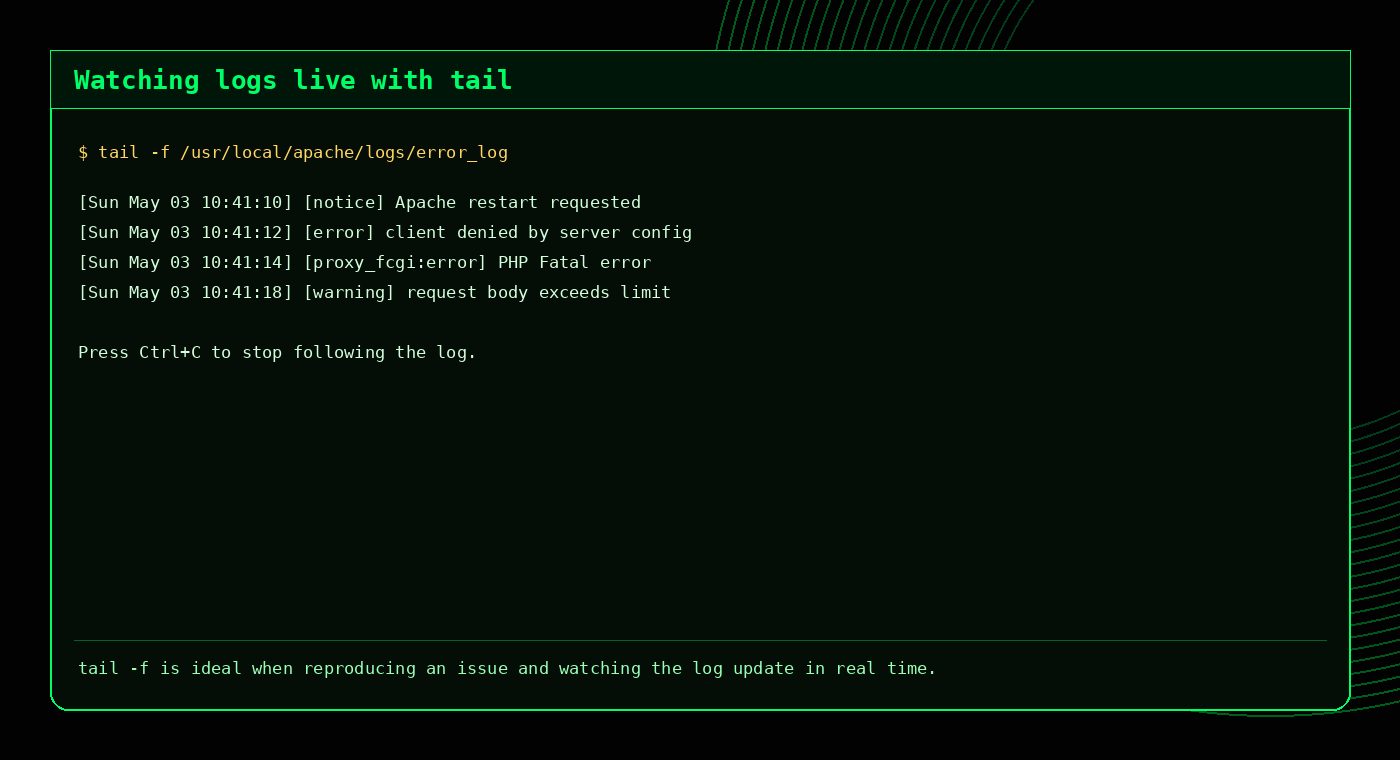
tail -f is useful when you want to trigger an issue and immediately see what the server logs.Search compressed logs with zgrep
Older logs are often compressed as .gz files. Use zgrep to search them without extracting first.
zgrep -i "error" error_log.gz
zgrep " 500 " access.log.gz
zgrep -Ei "fatal|warning|failed" *.gz
Tip
Searching compressed logs directly is often safer than extracting large archives and accidentally filling the disk. The server will not thank you for turning a log investigation into a storage incident.
Use journalctl for systemd service errors
On many modern Linux systems, journalctl is the best way to inspect service and system logs.
journalctl -p err -b
journalctl -u nginx --since "1 hour ago"
journalctl -u php-fpm --no-pager -n 100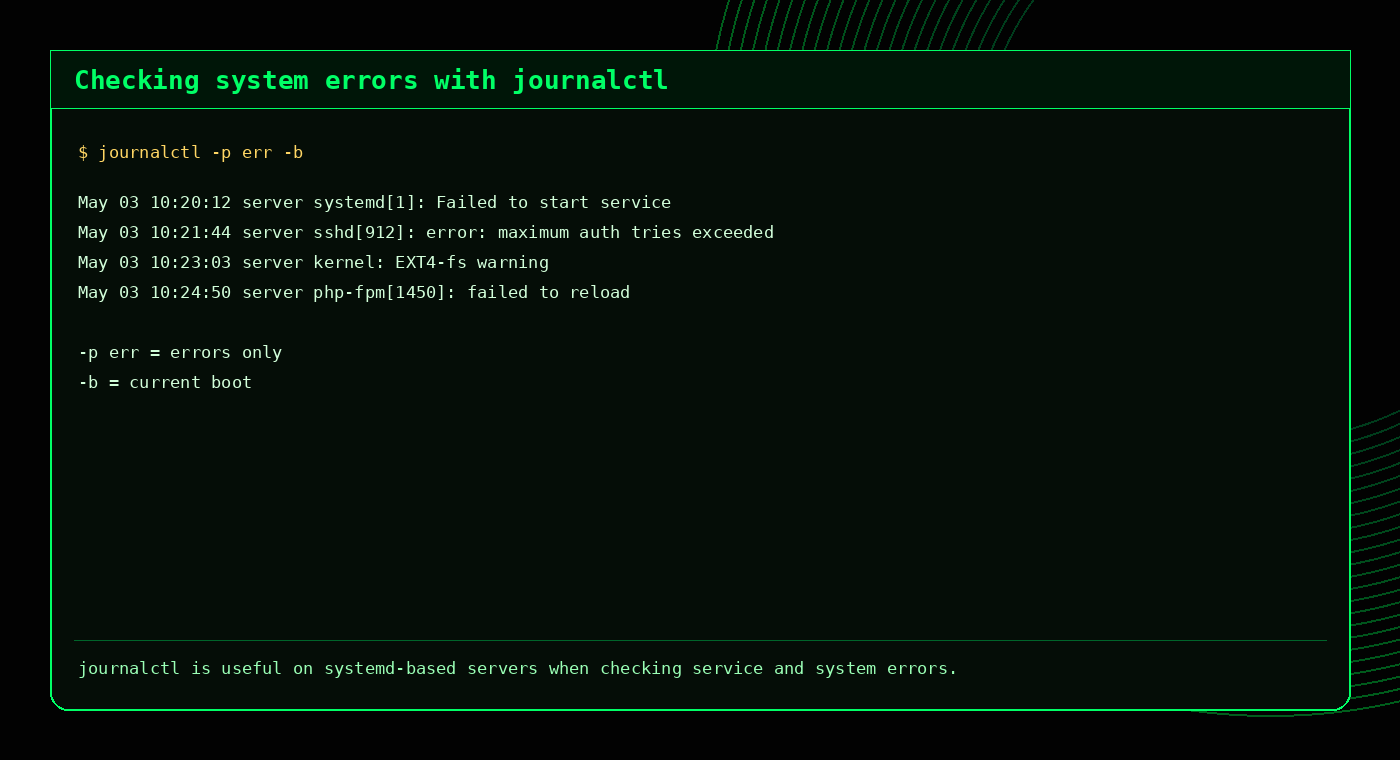
journalctl -p err -b shows errors from the current boot.Search Apache and Nginx logs
Apache error log
grep -Ei "error|warn|failed|fatal" /usr/local/apache/logs/error_log
tail -f /usr/local/apache/logs/error_log
Nginx error log
grep -Ei "error|warn|failed|upstream" /var/log/nginx/error.log
tail -f /var/log/nginx/error.log
If you are using cPanel, the cPanel Domlog Guide explains access logs and domain-specific traffic analysis in more detail.
Search PHP error logs
PHP errors are often logged inside the website directory or in PHP-FPM logs depending on the server setup.
grep -Ei "fatal|parse error|warning|notice" /home/username/public_html/error_log
tail -100 /home/username/public_html/error_log
For WordPress sites, PHP errors may point to a plugin, theme or custom code issue. The WordPress CLI Getting Started and WP-CLI Cheat Sheet articles are useful next reads.
Search cPanel domlogs for status codes
Domlogs are access logs, so they are excellent for checking requests and HTTP status codes.
Find 500 requests
grep " 500 " /usr/local/apache/domlogs/example.com-ssl_logFind 404 requests
grep " 404 " /usr/local/apache/domlogs/example.com-ssl_logTop IPs
awk '{print $1}' /usr/local/apache/domlogs/example.com-ssl_log | sort | uniq -c | sort -nr | headStatus code totals
awk '{print $9}' /usr/local/apache/domlogs/example.com-ssl_log | sort | uniq -c | sort -nrUseful error search patterns
| Goal | Command |
|---|---|
| Common error words | grep -Ei "error|warning|failed|fatal|exception" file.log |
| PHP fatal errors | grep -i "PHP Fatal error" error_log |
| HTTP 500s | grep " 500 " access.log |
| Failed SSH logins | grep -i "failed password" /var/log/secure |
| Recent service errors | journalctl -p err -b |
| Compressed logs | zgrep -i "error" error_log.gz |
Practical troubleshooting workflow
A sensible workflow looks like this:
- Identify the service or site affected.
- Check the most relevant recent log with
tail. - Search for broad terms with
grep -Ei. - Use context with
grep -Cif the matching line needs surrounding detail. - Check compressed logs with
zgrepif the issue happened earlier. - Use
journalctlfor service-level or system-level errors.
For a broader troubleshooting command list, see Top 10 Linux Commands for Troubleshooting Websites.
Common mistakes when searching logs
- Checking the wrong log: access logs and error logs answer different questions.
- Forgetting case-insensitive search: use
-ifor logs. - Only checking live logs: older compressed logs may contain the answer.
- Ignoring timestamps: search around the time the issue happened.
- Reading one line in isolation: use context when needed.
- Assuming all warnings are urgent: not every warning is the cause of the current issue.
FAQ
How do I search Linux logs for errors?
grep -Ei "error|warning|failed|fatal" /path/to/logfileHow do I watch a log file live?
tail -f /path/to/logfileHow do I search compressed logs?
zgrep -i "error" logfile.gzHow do I check system errors with journalctl?
journalctl -p err -bWhere are Apache error logs on Linux?
Common locations include /usr/local/apache/logs/error_log, /var/log/apache2/error.log and /var/log/httpd/error_log.
Related tools and guides
External references
A useful log search workflow
# Start broad
grep -RiE "error|warning|failed|fatal|timeout" /var/log 2>/dev/null

# Narrow to one service
journalctl -u nginx -n 100 --no-pager

# Follow a log live
tail -f /var/log/messages

# Count repeated messages
grep -i "failed" app.log | sort | uniq -c | sort -nr | head
When a term appears many times, count and group the messages before reading every line by hand.
Frequently Asked Questions
How do I search logs for errors on Linux?
Use grep -RiE with common terms such as error, warning, failed, fatal and timeout.
How do I view systemd service logs?
Use journalctl -u service-name, optionally with -n for the number of lines.
How do I follow a log live?
Use tail -f /path/to/logfile.
How do I count repeated log errors?
Pipe grep output through sort, uniq -c and sort -nr.