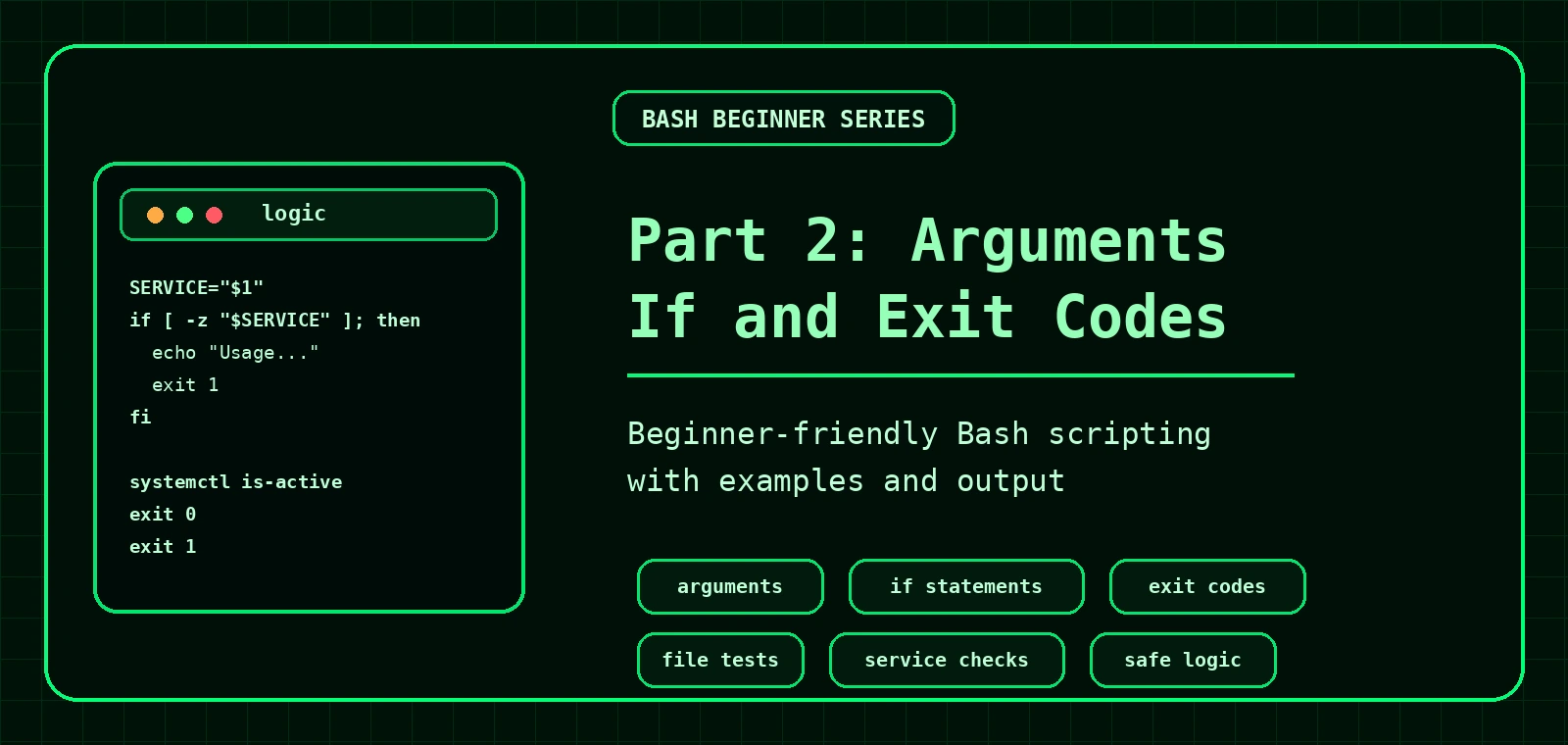
Bash Scripting for Beginners: Arguments, If Statements and Exit Codes
Part 2 teaches scripts that accept input, make decisions and report success or failure. You will use positional arguments, if statements, test operators and exit codes.
Using script arguments
Arguments are values you pass to a script when you run it.
./check-file.sh /etc/passwd| Variable | Meaning |
|---|---|
$0 | The script name |
$1 | The first argument |
$2 | The second argument |
$# | The number of arguments |
$@ | All arguments, safely handled when quoted |
Bash if statements
An if statement lets a script choose what to do.
if [ -f "$1" ]; then
  echo "File exists"
else
  echo "File not found"
fiUseful test operators
| Test | Meaning |
|---|---|
-f | Regular file exists |
-d | Directory exists |
-e | Path exists |
-x | File is executable |
-z | String is empty |
-n | String is not empty |
-eq | Numbers are equal |
-gt | Number is greater than |
Success and failure with exit codes
Linux commands return an exit code. 0 usually means success. Anything else usually means failure.
echo "$?"In your own scripts, use exit 0 for success and exit 1 for a general failure.
Script 1: check whether a file or directory exists
#!/usr/bin/env bash

PATH_TO_CHECK="$1"

if [ -z "$PATH_TO_CHECK" ]; then
  echo "Usage: $0 path"
  exit 1
fi

if [ -f "$PATH_TO_CHECK" ]; then
  echo "Regular file exists: $PATH_TO_CHECK"
  exit 0
elif [ -d "$PATH_TO_CHECK" ]; then
  echo "Directory exists: $PATH_TO_CHECK"
  exit 0
else
  echo "Path not found: $PATH_TO_CHECK"
  exit 1
fiRegular file exists: /etc/passwdPath not found: /nopeScript 2: check whether a Linux service is running
#!/usr/bin/env bash

SERVICE="$1"

if [ -z "$SERVICE" ]; then
  echo "Usage: $0 service-name"
  exit 1
fi

if systemctl is-active --quiet "$SERVICE"; then
  echo "[OK] $SERVICE is running"
  exit 0
else
  echo "[WARN] $SERVICE is not running"
  exit 1
fi[OK] sshd is running[WARN] nginx is not runningThis links neatly with systemd service troubleshooting and the systemctl cheat sheet.
What the service checker is doing
| Line | Meaning |
|---|---|
SERVICE="$1" | Stores the first argument in a clearer variable name. |
[ -z "$SERVICE" ] | Checks whether the variable is empty. |
systemctl is-active --quiet "$SERVICE" | Checks whether the service is active without printing normal output. |
exit 0 | Reports success to the shell. |
exit 1 | Reports failure to the shell. |
Beginner exercises
Exercise 1: executable file checker
Write a script that accepts a path and prints whether it exists and is executable.
./check-executable.sh /usr/bin/bashExpected style of output:
[OK] /usr/bin/bash exists and is executableExercise 2: disk warning script
Write a script that accepts a number and prints whether it is greater than or equal to 90.
[WARN] value is 94Download the example scripts
Check your script with bash -n and ShellCheck
Before running a script on a real server, check the syntax:
bash -n check-service.shIf available, ShellCheck can find common Bash mistakes such as missing quotes, unused variables and unsafe patterns:
shellcheck check-service.shNo issues detected!Common mistakes
- Using
[ -f $FILE ]instead of[ -f "$FILE" ]. - Forgetting spaces inside test brackets. Use
[ -f "$FILE" ], not[-f "$FILE"]. - Using string operators for numbers, or number operators for strings.
- Not exiting with a failure code when required input is missing.
Next: loops, functions and real admin scripts
Part 3 shows how to repeat tasks, create reusable functions and build scripts for multiple services, domains and files.
Practice: check a website from an argument
This script combines arguments, if statements and exit codes into a small real task.
#!/usr/bin/env bash

if [ "$#" -ne 1 ]; then
  echo "Usage: $0 URL"
  exit 1
fi

url="$1"

if curl -fsS "$url" > /dev/null; then
  echo "OK: $url responded"
  exit 0
else
  echo "ERROR: $url did not respond"
  exit 2
fi$ ./check-url.sh
Usage: ./check-url.sh URL
$ ./check-url.sh https://example.com
OK: https://example.com respondedWhere this fits in the Bash learning path
Part 2 is where scripts start making decisions. After this, continue with for loops, while loops, functions and the full Bash Scripting Hub.
Frequently Asked Questions
What should a Bash script do when arguments are missing?
It should print a short usage message and exit with a non-zero status.
What exit code means success?
Exit code 0 means success. Non-zero exit codes indicate failure or a specific error condition.
Why are if statements important in Bash scripts?
They allow scripts to check conditions and make decisions instead of blindly running every command.
Should beginner scripts use set -e?
It can be useful later, but beginners should first understand exit codes and command failures before relying on set -e.