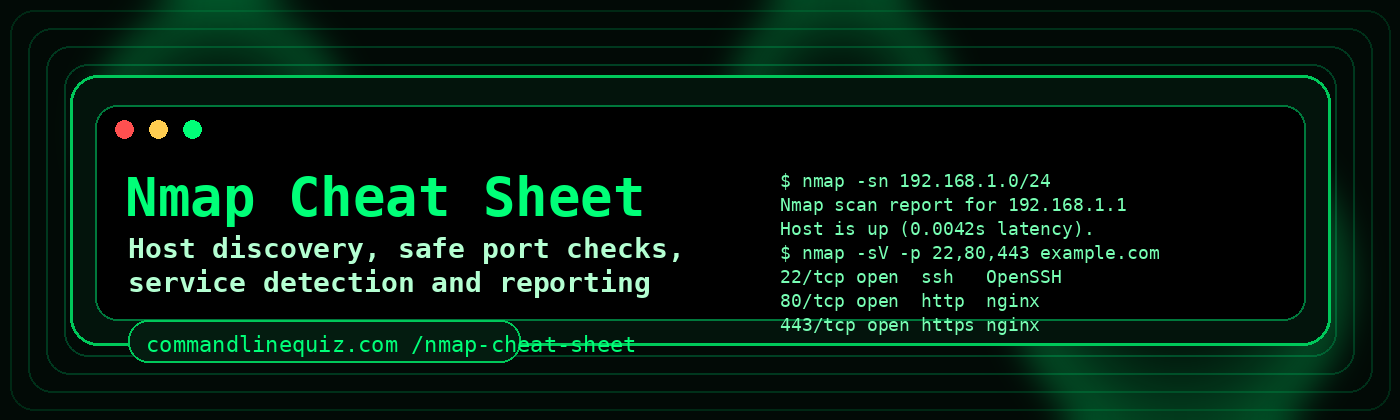
Nmap Cheat Sheet
Use this cheat sheet to build practical nmap commands for authorised host discovery, port checks, service detection and saved reports. It covers common admin tasks without drifting into stealth, exploit or evasion options.
Quick start
nmap is used to discover reachable hosts and inspect open ports and services. A few common starting points are below.
Basic scan
nmap example.comScans the most common TCP ports on a host.
Specific ports
nmap -p 22,80,443 example.comOnly checks the ports you list.
Service detection
nmap -sV -p 22,80,443 example.comAttempts to identify the running service and version.
Host discovery only
nmap -sn 192.168.1.0/24Checks which hosts are up without doing a port scan.
Host discovery
Use host discovery when you want to know which systems appear online before checking ports.
Single host
nmap -sn 192.168.1.10Subnet
nmap -sn 192.168.1.0/24Multiple targets from file
nmap -sn -iL targets.txtNo DNS lookups
nmap -sn -n 192.168.1.0/24Port selection
Limit the scan to the ports that matter. This is faster and usually easier to read.
Top 100 ports
nmap --top-ports 100 example.comPort range
nmap -p 1-1024 example.comSpecific list
nmap -p 21,22,25,80,443 example.comUDP example
nmap -sU -p 53,123 192.168.1.10UDP scans are often slower, so keep the port list tight.
Service and version detection
Common web stack check
nmap -sV -p 80,443 example.comSSH and web ports
nmap -sV -p 22,80,443 example.comOpen ports only
nmap -sV --open example.comShow reasons
nmap --reason example.com| Option | Meaning | When to use it |
|---|---|---|
-sn | Host discovery only | Find live hosts first |
-p | Select ports | Keep scans focused |
-sV | Service/version detection | Identify what is listening |
-sU | UDP scan | DNS, NTP and other UDP services |
-n | Skip DNS resolution | Faster output, fewer lookups |
--open | Show open ports only | Cleaner output |
--reason | Show reason state | Explain why a port is marked open/closed |
-T3/-T4 | Timing templates | Use on trusted/internal networks as appropriate |
Save output
Writing the scan results to a file makes it easier to review later or attach to admin notes.
Normal output
nmap -oN nmap-scan.txt example.comXML output
nmap -oX nmap-scan.xml example.comAll formats
nmap -oA nmap-scan example.comService detection with output
nmap -sV -p 22,80,443 -oN web-check.txt example.comUseful everyday examples
Check if a web server is listening
nmap -p 80,443 example.comCheck a mail server
nmap -sV -p 25,465,587,993 mail.example.comCheck SSH on a server
nmap -sV -p 22 server.example.comFind live hosts on a small LAN
nmap -sn -n 192.168.1.0/24Save a quick report
nmap --top-ports 100 -oN quick-audit.txt 192.168.1.50Check DNS and NTP UDP ports
nmap -sU -p 53,123 192.168.1.20Safe admin workflow
- Confirm you are authorised to scan the target.
- Start with
-snif you only need host discovery. - Limit the port list with
-por--top-ports. - Add
-sVonly when you need service details. - Use
-oNor-oAso you can keep the results. - Use the Nmap Command Builder What Is Nmap? when you want to generate a clean command quickly.
Build commands faster
The Nmap Builder lets you choose a target, scan profile, ports, timing and output options, then copy the finished command.
Safe Nmap admin checks
Host discovery
nmap -sn 192.168.1.0/24Specific ports
nmap -p 22,80,443 example.comService versions
nmap -sV -p 22,80,443 example.comSave output
nmap -oN scan.txt -p 22,80,443 example.comFrequently Asked Questions
What is Nmap used for?
Nmap is used for authorised host discovery, port checks and service detection.
How do I scan specific ports?
Use -p followed by ports, for example nmap -p 22,80,443 example.com.
How do I save Nmap output?
Use -oN for normal output, -oX for XML or -oA for multiple formats.
Is it OK to scan any network?
No. Only scan systems you own or are authorised to test.