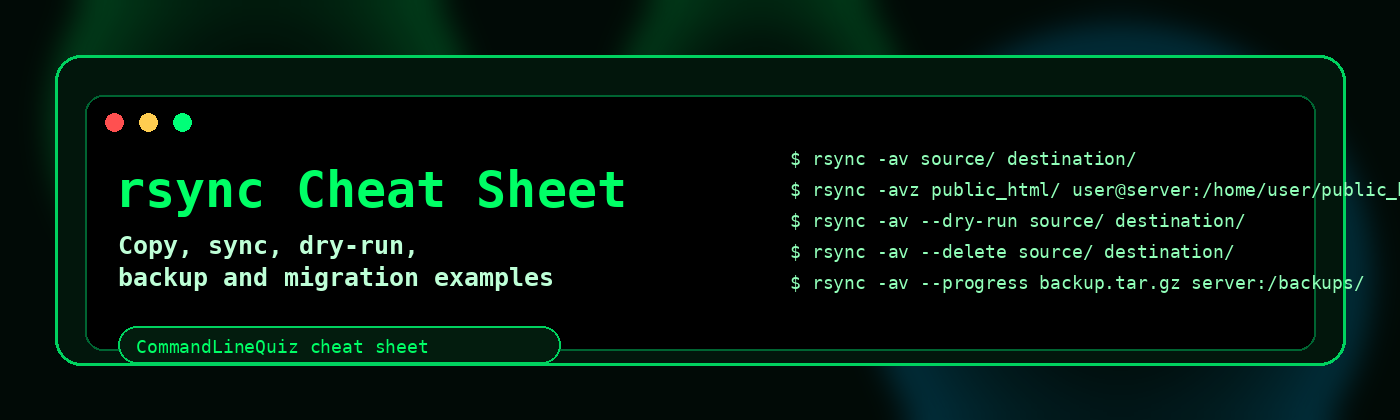
rsync Cheat Sheet
Use rsync to copy files, sync directories, perform dry-runs, migrate websites and build safer backup workflows.
Quick sync commands
Copy directory contents
rsync -av source/ destination/Copy directory itself
rsync -av source destination/Show progress
rsync -av --progress source/ destination/Human-readable output
rsync -avh source/ destination/Trailing slashes matter.
source/ means contents of source. source means the directory itself.Remote sync over SSH
Local to remote
rsync -avz public_html/ user@server:/home/user/public_html/Remote to local
rsync -avz user@server:/home/user/public_html/ ./public_html/Custom SSH port
rsync -avz -e "ssh -p 2222" source/ user@server:/path/Use SSH key
rsync -avz -e "ssh -i ~/.ssh/id_rsa" source/ user@server:/path/Dry-run before copying
Preview sync
rsync -av --dry-run source/ destination/Preview delete sync
rsync -av --delete --dry-run source/ destination/Safety: use
--dry-run before --delete.Exclude files and folders
| Task | Command |
|---|---|
| Exclude cache | rsync -av --exclude cache/ source/ destination/ |
| Exclude logs | rsync -av --exclude "*.log" source/ destination/ |
| Use exclude file | rsync -av --exclude-from excludes.txt source/ destination/ |
| Include only PHP files | rsync -av --include "*/" --include "*.php" --exclude "*" source/ destination/ |
Mirror/delete sync
Mirror destination
rsync -av --delete source/ destination/Delete after transfer
rsync -av --delete-after source/ destination/--delete removes files from the destination that do not exist in the source. Test first.Backup and migration recipes
Backup website
rsync -avh /home/user/public_html/ /backup/user/public_html/Backup with timestamp
rsync -avh public_html/ backups/public_html-$(date +%F)/Migrate with compression
rsync -avz --progress public_html/ user@newserver:/home/user/public_html/Copy permissions and ownership
rsync -a source/ destination/Troubleshooting rsync
| Problem | Check |
|---|---|
| Permission denied | Check SSH user, path ownership and write permissions. |
| Unexpected nested folder | Check whether you used source or source/. |
| Huge transfer | Add --dry-run --itemize-changes to inspect changes. |
| Slow transfer | Use -z for compression over network links, but not always for local copies. |
rsync workflows for backups and migrations
Dry run first
rsync -avhn source/ destination/Sync over SSH
rsync -avz -e ssh public_html/ user@example.com:/home/user/public_html/Exclude cache
rsync -av --exclude cache/ source/ destination/Mirror with delete
rsync -av --delete source/ destination/Use
--delete only when the destination should exactly mirror the source. Dry run first.Frequently Asked Questions
What does rsync -a do?
-a enables archive mode, preserving useful file attributes such as permissions and timestamps.
Should I use rsync dry run?
Yes, use -n or --dry-run before important syncs.
What does --delete do?
--delete removes destination files that do not exist in the source.
How do I use rsync over SSH?
Use rsync -e ssh or the default remote syntax user@host:/path.