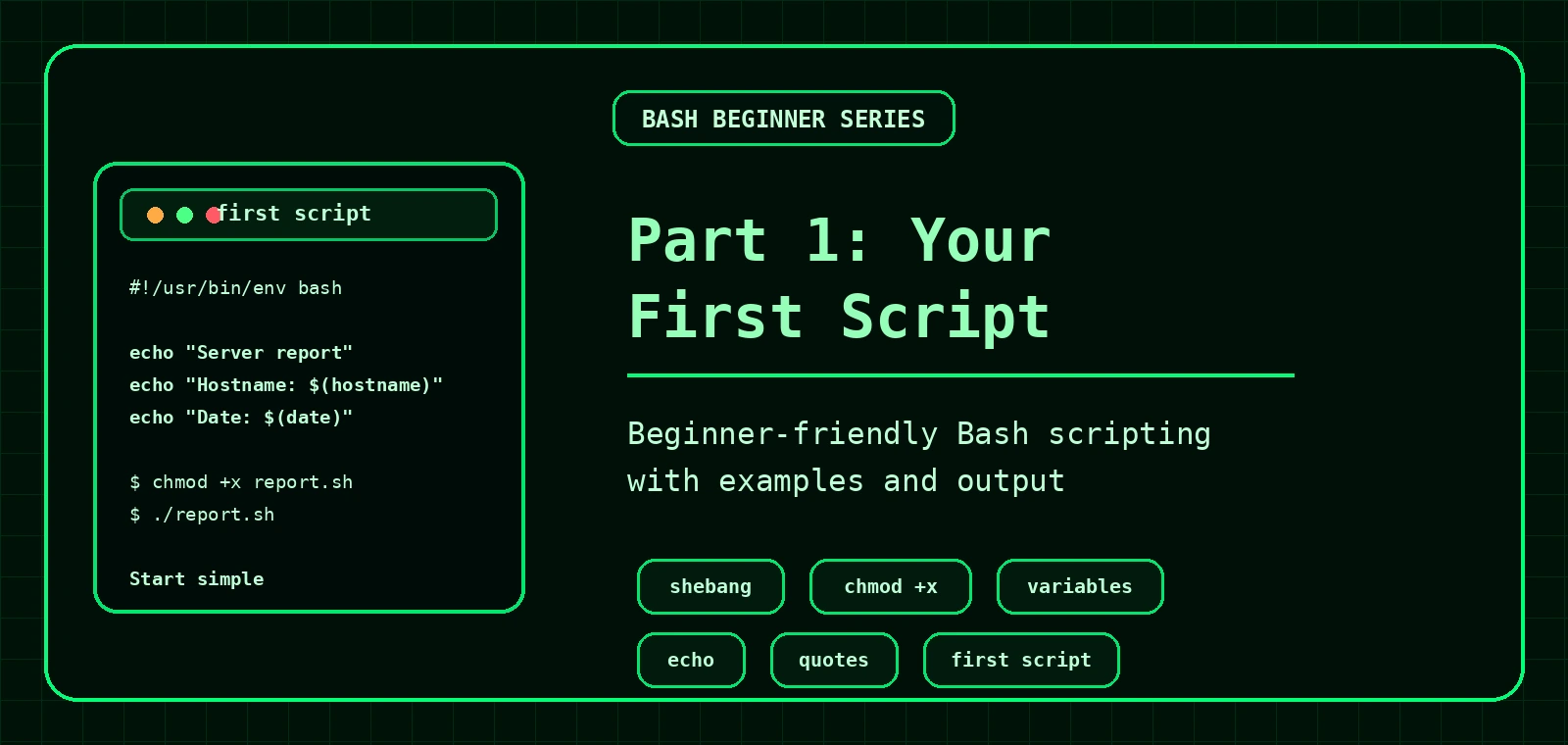
Bash Scripting for Beginners: Your First Script
This first part gets you from typing commands manually to writing and running a simple Bash script. You will learn the shebang, file permissions, comments, echo, variables, quoting and a practical server report script.
What is a Bash script?
A Bash script is a plain text file containing shell commands. Instead of typing the same commands repeatedly, you save them in a file and run them as a small program.
Good for
Health checks, backups, log searches, service checks, file cleanup and repeatable admin tasks.
Not magic
A script runs the commands you give it. If a command is dangerous manually, it is still dangerous in a script.
Beginner rule
Start by printing what the script will do before making changes. Your future self will approve.
Create your first Bash script
Create a file named server-report.sh.
nano server-report.shAdd this:
#!/usr/bin/env bash

# Simple server report script
echo "Server report"
echo "-------------"
echo "Hostname: $(hostname)"
echo "Date: $(date)"
echo "Current user: $(whoami)"
echo "Current directory: $(pwd)"
The first line is the shebang. It tells the system to run this script with Bash.
Make the script executable and run it
Before running with ./server-report.sh, make the file executable.
chmod +x server-report.sh
./server-report.shServer report
-------------
Hostname: web01
Date: Sun May 3 14:22:41 BST 2026
Current user: exampleuser
Current directory: /home/exampleuserPermission denied, you probably forgot chmod +x server-report.sh.Bash vs sh
These guides use Bash, not plain POSIX sh. That matters because later examples use Bash features such as arrays.
| Command | What it means |
|---|---|
./script.sh | Runs the script using the interpreter from the shebang, such as #!/usr/bin/env bash. |
bash script.sh | Runs the script with Bash explicitly. |
sh script.sh | May run with a more limited shell. Avoid this for Bash-specific scripts. |
#!/usr/bin/env bash, then run the script with ./script.sh after making it executable.Variables and quoting
Variables store values. In Bash, do not put spaces around the equals sign.
SERVER_NAME="web01"
echo "$SERVER_NAME"
Quote variables when using them. This prevents problems with spaces, empty values and wildcard expansion.
| Good | Risky |
|---|---|
echo "$FILE" | echo $FILE |
rm "$BACKUP_FILE" | rm $BACKUP_FILE |
What the first script is doing
| Line | Meaning |
|---|---|
#!/usr/bin/env bash | Use Bash to run the script. |
# Simple server report script | A comment for humans. Bash ignores it. |
echo "Server report" | Prints text to the terminal. |
$(hostname) | Runs the hostname command and inserts the result. |
$(pwd) | Prints the current working directory. |
Practical script: basic Linux health report
This script prints useful starter information about a Linux server.
#!/usr/bin/env bash

HOST="$(hostname)"
TODAY="$(date -Is)"
UPTIME="$(uptime -p)"

echo "Linux health report"
echo "Host: $HOST"
echo "Generated: $TODAY"
echo "Uptime: $UPTIME"
echo

echo "Disk usage:"
df -h /

echo
echo "Memory usage:"
free -h

echo
echo "Failed systemd units:"
systemctl --failed --no-pagerExample output
Linux health report
Host: web01
Generated: 2026-05-03T14:30:18+01:00
Uptime: up 12 days, 4 hours, 21 minutes

Disk usage:
Filesystem      Size  Used Avail Use% Mounted on
/dev/sda2        80G   42G   35G  55% /

Memory usage:
               total        used        free      shared  buff/cache   available
Mem:           7.7Gi       2.4Gi       1.1Gi       180Mi       4.2Gi       4.8Gi

Failed systemd units:
  UNIT LOAD ACTIVE SUB DESCRIPTION
0 loaded units listed.Beginner exercise
Create a script called my-first-report.sh that prints:
- the hostname
- today's date
- the current user
- disk usage for
/
Expected style of output:
My first report
Host: web01
User: exampleuser
Disk usage:
Filesystem      Size  Used Avail Use% Mounted on
/dev/sda2 80G 42G 35G 55% /Download the example scripts
You can download the Part 1 example scripts and test them on a safe Linux machine or VM.
Common errors and fixes
| Error | Likely cause | Fix |
|---|---|---|
Permission denied | The script is not executable. | chmod +x script.sh |
bad interpreter | Wrong shebang or Windows line endings. | Check the first line, or run dos2unix script.sh. |
command not found | Typo, missing command, or running from the wrong path. | Check spelling and use ./script.sh. |
You can also check basic syntax with:
bash -n script.shCommon beginner mistakes
- Using
NAME = valueinstead ofNAME="value". - Forgetting to make the script executable.
- Running the script from the wrong directory.
- Forgetting quotes around variables.
- Trying to automate destructive commands before testing safely.
Next: arguments, if statements and exit codes
Part 2 teaches scripts that accept input, make decisions and return useful success or failure codes.
Your first Bash script checklist
| Step | Command or action |
|---|---|
| Create the file | nano hello.sh |
| Add a shebang | #!/usr/bin/env bash |
| Make it executable | chmod +x hello.sh |
| Run it | ./hello.sh |
| Debug if needed | bash -x hello.sh |
Example first script with output
#!/usr/bin/env bash

name="Linux learner"
echo "Hello, $name"
echo "Today is $(date +%F)"Hello, Linux learner
Today is 2026-05-05Frequently Asked Questions
What does the Bash shebang do?
The shebang tells the system which interpreter should run the script, such as /usr/bin/env bash.
Why do I need chmod +x for a script?
chmod +x makes the script executable so it can be run directly as ./script.sh.
How do I debug a beginner Bash script?
Run bash -x script.sh to print each command as Bash executes it.
Should beginners use .sh file extensions?
It is common and useful for learning, but executable scripts do not technically require a .sh extension.