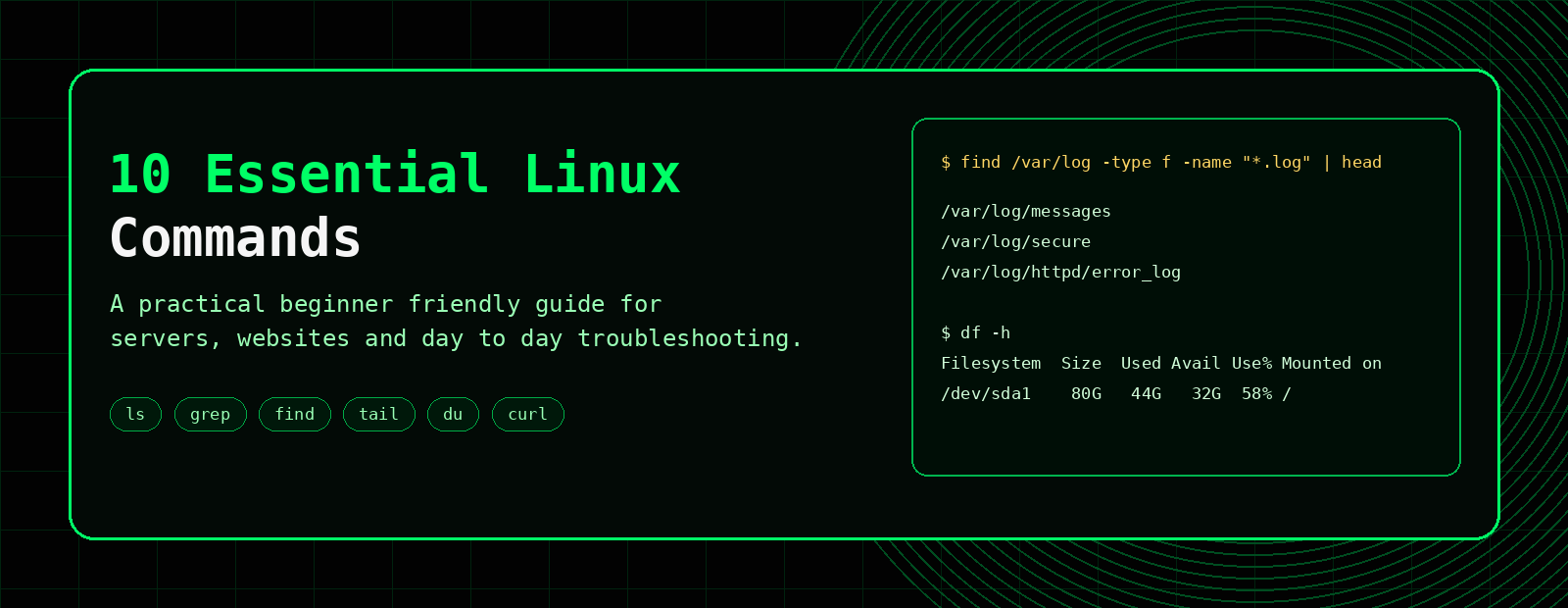
10 Essential Linux Commands Every Beginner Should Know
If you are getting started with Linux, you do not need to memorise hundreds of commands on day one. A small set of practical commands will take you surprisingly far, especially if you work with websites, servers or logs.
This guide covers 10 essential Linux commands that are useful for day to day work, troubleshooting and learning the command line with confidence.
pwd, ls, cd, grep, find, tail, du, df, chmod and curl.10 essential Linux commands at a glance
Use this quick reference for navigation, file searches, log checks, disk usage, permissions and basic website testing.
| Task | Command | Example |
|---|---|---|
| Show current directory | pwd | pwd |
| List files | ls | ls -lah |
| Change directory | cd | cd /var/log |
| Search inside files | grep | grep -i "error" app.log |
| Find files | find | find . -name "*.log" |
| Watch a log | tail | tail -f app.log |
| Check directory sizes | du | du -sh * |
| Check disk space | df | df -h |
| Change permissions | chmod | chmod 640 config.php |
| Test a website | curl | curl -I https://example.com |
Why these commands matter
These commands help you answer very practical questions:
- Where am I in the filesystem?
- What files are here?
- How do I move to another folder?
- How do I find a file?
- How do I search logs for errors?
- How do I check disk usage?
- How do I view live log updates?
- How do I test a website response from the command line?
If that sounds useful, you are already thinking like someone who will get along nicely with Linux.
1. pwd
pwd stands for print working directory. It tells you your current location in the filesystem.
pwdExample output:
/home/user/public_html2. ls
ls lists files and directories. Add -l for detailed output and -a to include hidden files.
ls
ls -l
ls -la
This is one of the first commands you will use constantly.
3. cd
cd changes directory. It lets you move around the filesystem.
cd /var/log
cd ..
cd ~
Use cd .. to go up one level and cd ~ to go back to your home directory.
4. grep
grep searches for text inside files or command output. It is extremely useful for logs, configs and troubleshooting.
grep -i "error" app.log
grep -Ei "error|warning|failed|fatal" app.log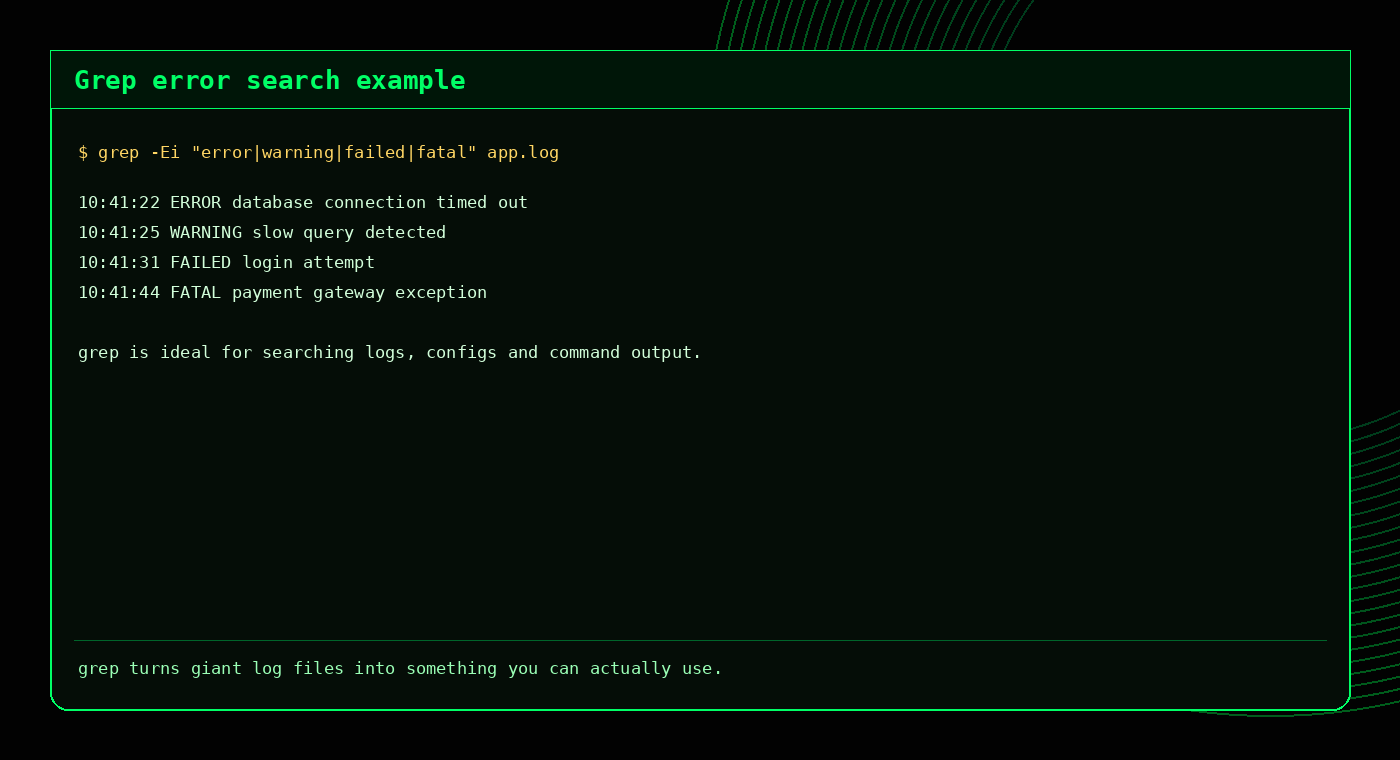
Related: Grep Command Builder, Grep Cheat Sheet, Advanced Grep Techniques.
5. find
find searches the filesystem for files and directories. It is excellent for locating logs, backups, configuration files or recently modified files.
find /var/log -type f -name "*.log"
find . -type f -mtime -1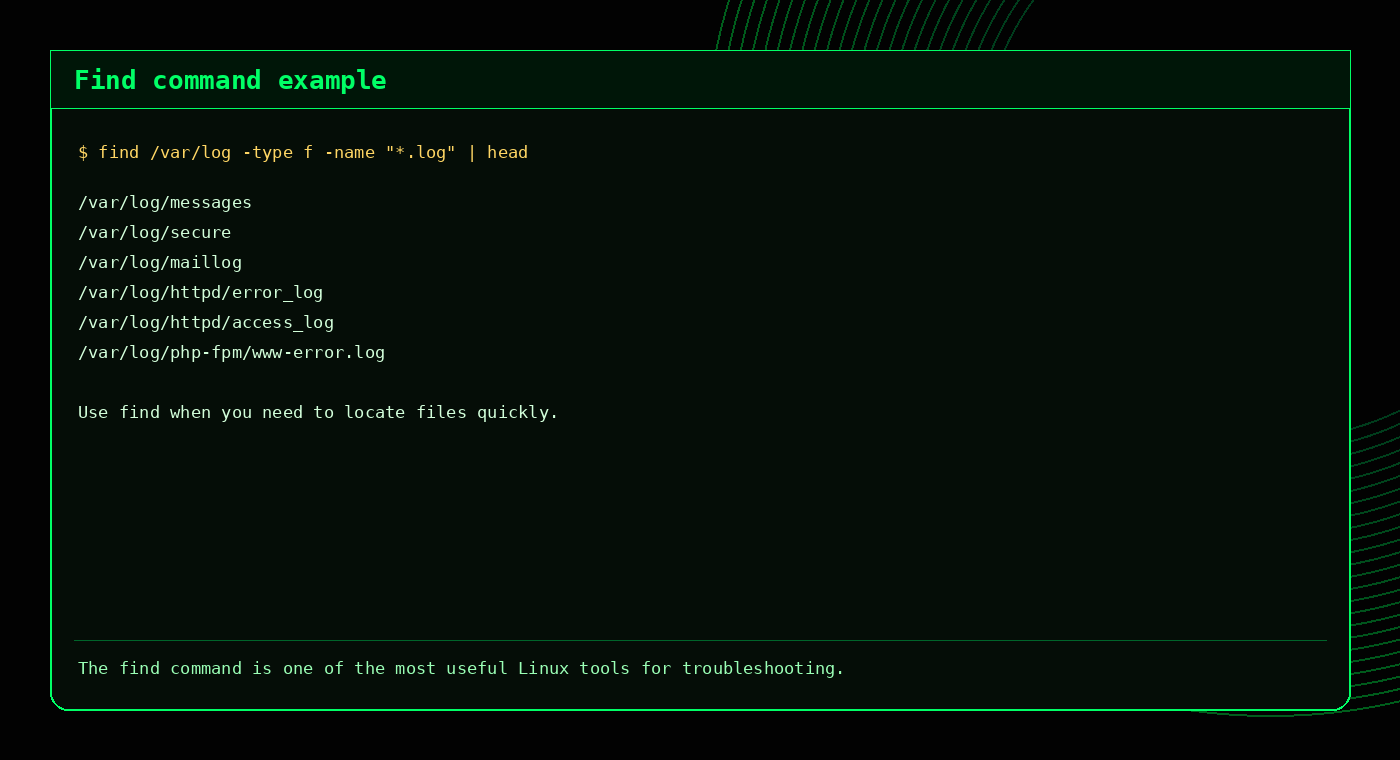
Related: Find Command Builder, Find Cheat Sheet.
6. tail
tail shows the end of a file. With -f, it follows updates in real time.
tail -100 error_log
tail -f /usr/local/apache/logs/error_log
This is especially useful for watching logs while reproducing an issue in the browser.
7. du
du shows disk usage for files and directories.
du -sh .
du -sh *
du -h --max-depth=1
Use it to find which folders are using the most space.
8. df
df shows filesystem usage. Add -h for human readable output.
df -h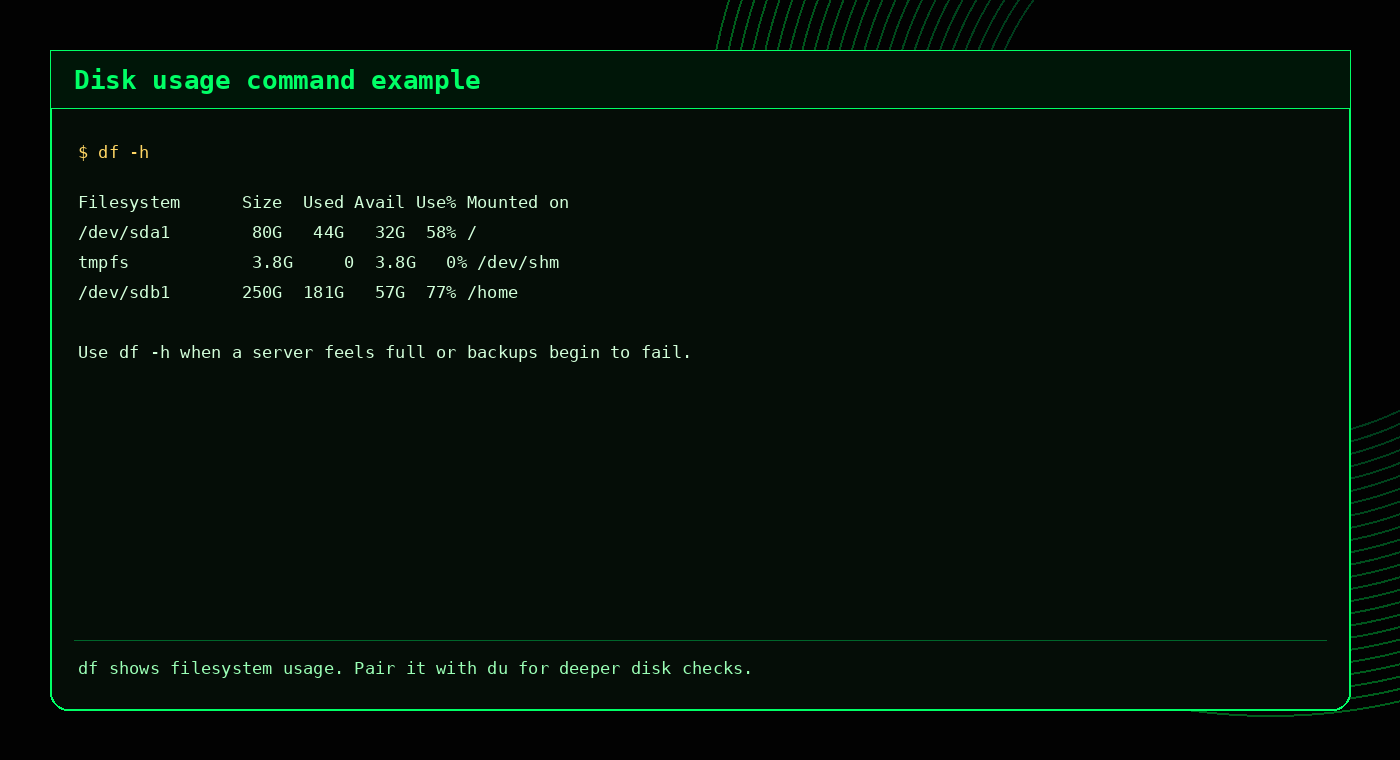
Use df for the overview and du for the deeper investigation.
9. chmod
chmod changes file permissions. This is important when working with scripts, uploads or web files.
chmod 644 file.txt
chmod 755 script.sh
Common examples:
644for regular files755for directories and executable scripts
Related: Permissions Cheat Sheet, Permissions Quiz.
10. curl
curl lets you make web requests from the command line. It is very useful for checking headers, testing status codes and troubleshooting websites.
curl -I https://example.com
curl -o /dev/null -s -w "%{http_code}\n" https://example.com
This is useful when you want to confirm whether a site is returning 200, 301, 403 or 500 without opening a browser.
Which commands should you learn first?
| Goal | Best commands |
|---|---|
| Move around Linux | pwd, ls, cd |
| Search files and logs | grep, find, tail |
| Check disk space | df, du |
| Work with permissions | chmod |
| Test websites | curl |
Beginner mistakes to avoid
- Typing commands without checking the path: use
pwdandlsfirst. - Forgetting quotes around patterns: especially with
findandgrep. - Mixing up
duanddf: one shows filesystem totals, the other shows folder usage. - Changing permissions randomly: understand what
644and755mean before usingchmod. - Ignoring real time logs:
tail -fcan save a lot of time.
FAQ
What are the most important Linux commands for beginners?
Good starting commands include pwd, ls, cd, grep, find, tail, du, df, chmod and curl.
What is the difference between du and df?
df shows filesystem usage, while du shows disk usage for specific folders and files.
Which Linux command is best for searching logs?
grep is usually the first choice for log searches. tail -f is useful for watching logs live.
Which command helps find files in Linux?
find is the most flexible and useful file search command in Linux.
Related tools and guides
External references
Practice these commands in a safe folder
Create a small practice directory so you can try commands without touching important files.
mkdir ~/linux-practice
cd ~/linux-practice
touch notes.txt app.log error.log
mkdir logs backups
ls -lah
find . -type f
grep -R "error" ../notes.txt
./app.log
./error.logWhen you are ready, test yourself with the Linux quizzes or browse cheat sheets.
Frequently Asked Questions
What Linux command should beginners learn first?
Start with pwd, ls, cd, mkdir, cp, mv, rm, cat, grep and find.
How can I practise Linux commands safely?
Use a dedicated practice directory with test files rather than experimenting in important system folders.
What command shows where I am in Linux?
pwd prints the current working directory.
What command searches text in files?
grep searches for text patterns inside files.