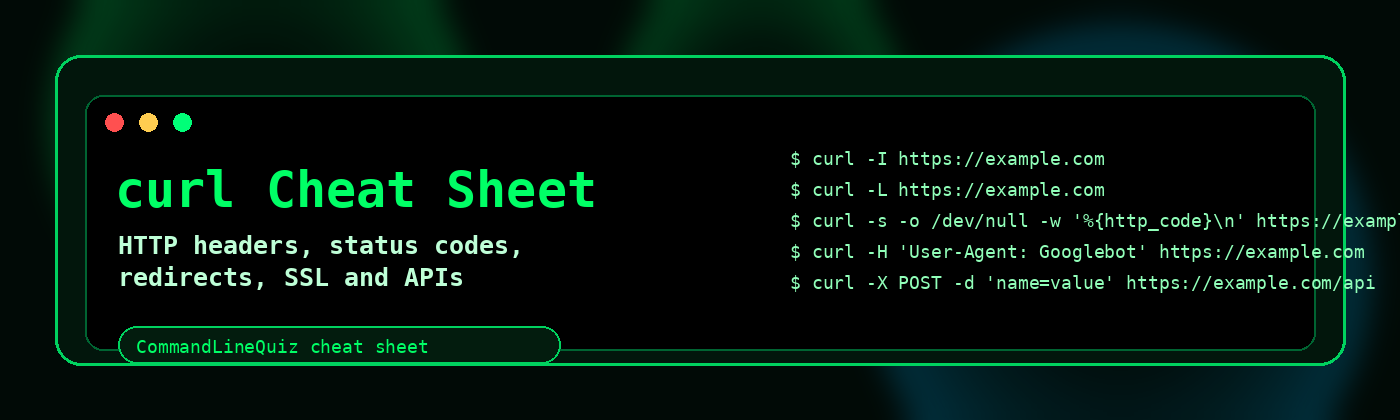
curl Cheat Sheet
Use curl to test websites, APIs, redirects, headers, status codes, SSL and response timing directly from the command line.
Quick checks
Fetch a page
curl https://example.comHeaders only
curl -I https://example.comSilent output
curl -s https://example.comSave to file
curl -o page.html https://example.comHeaders and user agents
Send custom header
curl -H "X-Test: 1" https://example.comChange user agent
curl -A "Googlebot" https://example.comShow request and response headers
curl -v https://example.comSend Host header to an IP
curl -H "Host: example.com" http://192.0.2.10Status codes and timing
Status code only
curl -s -o /dev/null -w "%{http_code}\n" https://example.comTiming summary
curl -s -o /dev/null -w "DNS:%{time_namelookup} Connect:%{time_connect} Total:%{time_total}\n" https://example.comDownload size
curl -s -o /dev/null -w "%{size_download}\n" https://example.comFinal URL
curl -Ls -o /dev/null -w "%{url_effective}\n" https://example.comRedirects
| Task | Command |
|---|---|
| Show redirect response | curl -I http://example.com |
| Follow redirects | curl -L http://example.com |
| Show redirect chain | curl -IL http://example.com |
| Limit redirects | curl -L --max-redirs 5 http://example.com |
SSL and protocol checks
Verbose TLS details
curl -vI https://example.comIgnore certificate errors
curl -k https://example.comUse only for testing.
Force HTTP/1.1
curl --http1.1 -I https://example.comForce HTTP/2
curl --http2 -I https://example.comAPI examples
POST form data
curl -X POST -d "name=value" https://example.com/apiPOST JSON
curl -X POST -H "Content-Type: application/json" -d '{"name":"test"}' https://example.com/apiBearer token
curl -H "Authorization: Bearer TOKEN" https://example.com/apiBasic auth
curl -u username:password https://example.com/privateWebsite troubleshooting recipes
Check a site through a specific IP
curl --resolve example.com:443:192.0.2.10 https://example.com/Check cache headers
curl -I https://example.com | grep -Ei "cache|age|etag|expires"Check compression
curl -H "Accept-Encoding: gzip" -I https://example.comCompare user agents
curl -A "Mozilla/5.0" -I https://example.com
curl -A "Googlebot" -I https://example.comcurl workflows for website checks
Headers only
curl -I https://example.comStatus code only
curl -o /dev/null -s -w "%{http_code}\n" https://example.comFollow redirects
curl -IL https://example.comTiming breakdown
curl -o /dev/null -s -w "connect:%{time_connect} start:%{time_starttransfer} total:%{time_total}\n" https://example.comFrequently Asked Questions
How do I show only HTTP headers with curl?
Use curl -I URL.
How do I follow redirects with curl?
Use curl -L, or curl -IL for redirect headers.
How do I show only the status code?
Use curl -o /dev/null -s -w "%{http_code}\n" URL.
How do I set a timeout?
Use --max-time SECONDS.