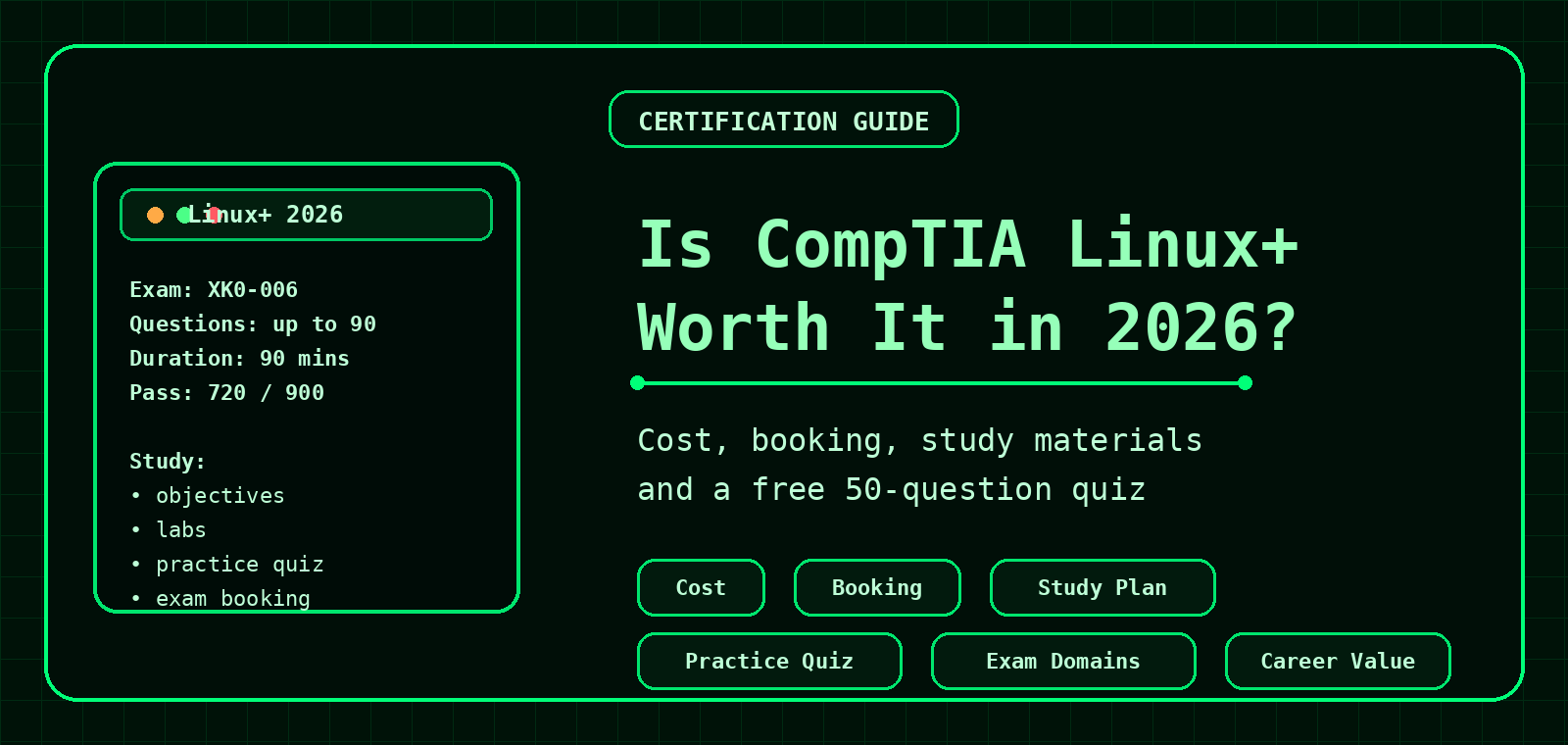
Is CompTIA Linux+ Worth It in 2026?
CompTIA Linux+ can be worth it if you want a vendor-neutral Linux certification that validates practical server administration, security, scripting, automation, containers and troubleshooting skills. It is especially useful for support engineers, junior Linux admins, hosting support teams and IT pros moving toward cloud or DevOps work.
Is Linux+ worth it?
Yes, for the right person. Linux+ is worth considering if you want to prove broad Linux administration knowledge without tying yourself to one vendor. It is less specialised than a Red Hat exam, but that is also the point: it covers practical Linux skills across distributions, services, storage, networking, security, containers and automation.
Worth it if...
You work in hosting, IT support, junior sysadmin, NOC, cloud support, DevOps support or security operations and need a structured Linux goal.
Maybe skip it if...
You already have strong production Linux experience and need a vendor-specific credential like RHCSA for a role.
Best use
Use it as a learning path and proof of baseline Linux competence, not as a magic job ticket. Sadly, no cert comes with a cape.
CompTIA Linux+ exam details for 2026
The current Linux+ version is V8, exam code XK0-006. CompTIA lists a launch date of July 15, 2025, up to 90 questions, a 90-minute duration, a passing score of 720 on a 100–900 scale, English language availability, and recommended experience of 12 months hands-on Linux server work. CompTIA also says retirement is usually three years after launch, with an estimated 2028 retirement for this version.
| Item | Details |
|---|---|
| Exam code | XK0-006 |
| Exam version | Linux+ V8 |
| Question count | Maximum of 90, including multiple-choice and performance-based items |
| Duration | 90 minutes |
| Passing score | 720 on a 100–900 scale |
| Recommended experience | 12 months hands-on Linux server experience; A+, Network+, Server+ or comparable knowledge recommended |
Current domain weights
| Domain | Weight | What to practise |
|---|---|---|
| System Management | 23% | Boot, filesystems, devices, storage, networking, shell operations, backups and virtualization |
| Services and User Management | 20% | Users, groups, permissions, processes, packages, services, logs, timers and containers |
| Security | 18% | Authentication, firewalls, hardening, account security, cryptography and integrity checks |
| Automation, Orchestration and Scripting | 17% | Bash, Python basics, Git, Ansible/Puppet, CI/CD and responsible AI usage |
| Troubleshooting | 22% | System, hardware, storage, networking, security and performance troubleshooting |
How much does CompTIA Linux+ cost in 2026?
Expect the exam voucher to cost a few hundred pounds or dollars, depending on country, reseller, bundles and VAT/tax. CompTIA's own Linux+ worth-it article previously listed the exam at $338 USD, while UK voucher reseller pages in 2026 commonly show UK Linux+ XK0-006 vouchers around the £240–£260 range before or including VAT depending on supplier. Always confirm the final price at checkout because certification pricing changes by region and voucher type.
| Item | Budget for |
|---|---|
| Exam voucher | Usually a few hundred £/$ depending on region |
| Retake option | Optional, but useful if your employer is paying or you want lower risk |
| Official learning | More expensive, but structured around the objectives |
| Books and video courses | Often cheaper, but you must check they cover XK0-006/V8 |
| Labs | Strongly recommended; Linux+ is not a pure memorisation exam |
Official pricing
Check CompTIA Linux+
Use CompTIA as the source of truth for exam version and official purchase options.
UK voucher example
UK voucher example
Use only as a market example. Confirm validity, VAT and expiry before purchase.
Voucher help
CompTIA scheduling help
Useful for questions about vouchers, rescheduling and test centres.
How to book CompTIA Linux+
The safest route is to start from CompTIA, then schedule through Pearson VUE. You can usually choose either a Pearson VUE test centre or online proctoring through OnVUE, depending on region and availability.
- Create or log in to your CompTIA account. Use the official CompTIA exam scheduling page: Schedule Exam.
- Select the correct exam. Choose CompTIA Linux+ XK0-006. Double-check the exam code before paying or redeeming a voucher.
- Choose test centre or online exam. CompTIA scheduling redirects to Pearson VUE, where you choose location, date and delivery method.
- Pay at checkout or enter a voucher. If you bought a voucher from CompTIA or an authorised reseller, enter it during Pearson VUE checkout.
- Check your confirmation email. Confirm exam time, cancellation window, ID requirements and online testing rules.
- For online testing, run the system test early. Check webcam, microphone, browser/security tools and workspace rules before exam day.
Book from CompTIA
CompTIA Schedule Exam
Official starting point for scheduling, rescheduling or cancelling.
Pearson VUE
Pearson VUE CompTIA page
Find test centres and manage Pearson VUE exam delivery.
Scheduling help
How do I schedule my exam?
CompTIA help article covering the booking route.
Best study materials for Linux+
Start with the official objectives, then mix theory with hands-on labs. CompTIA recommends beginning with exam objectives, identifying weak areas, learning the material, gaining hands-on experience, and then using practice exams to get exam-ready.
1. Official objectives
Use the objectives as your checklist. Mark each topic as strong, weak or unknown.
2. Hands-on Linux lab
Use a local VM, cloud VM or spare server. Practise real commands, service failures, permissions and logs.
3. Official CertMaster tools
CertMaster Learn, Labs and Practice are designed around CompTIA objectives and exam preparation.
4. Book or video course
Pick one that explicitly covers XK0-006/V8. Avoid older XK0-005-only material unless you know what changed.
5. Practice questions
Use practice questions to find gaps, but do not rely on dumps. Learn the commands and concepts.
6. CommandLineQuiz
Use the free Linux+ Practice Quiz and related command guides to reinforce core topics.
Official links and useful resources
Use official sources for final exam details, booking and learning products. Prices, retirement dates and delivery rules can change, so treat third-party prices as estimates until checkout.
Linux+ certification page
CompTIA Linux+
Current exam version, objectives overview, question count, duration and recommended experience.
Exam objectives
Linux+ exam details
Start here, then download the objectives from CompTIA if available in your region.
Schedule the exam
CompTIA Schedule Exam
Official booking path through CompTIA Central and Pearson VUE.
Pearson VUE
Pearson VUE for CompTIA
Find test centres and manage CompTIA exam appointments.
Official training
CompTIA CertMaster
Official learning, labs and practice options from CompTIA.
Free practice
CommandLineQuiz Linux+ Practice Quiz
Free 50-question practice quiz to check your weak areas before booking.
A simple 8-week Linux+ study plan
| Week | Focus | Hands-on tasks |
|---|---|---|
| 1 | Linux basics and filesystem layout | Practise ls, find, tar, df, du, paths and permissions |
| 2 | Users, groups and permissions | Create users/groups, test chmod, chown, ACLs and sudo rules |
| 3 | Services and logs | Break and fix services using systemctl and journalctl |
| 4 | Networking and DNS | Use ip, ss, dig, firewall rules and route checks |
| 5 | Security and hardening | Practise SSH hardening, firewall rules, hashes, SELinux/AppArmor concepts |
| 6 | Scripting and automation | Write Bash scripts, use Git, schedule jobs and review Ansible basics |
| 7 | Containers and virtualisation | Run containers, inspect images, review storage/network basics |
| 8 | Troubleshooting and exam practice | Do timed practice, review weak domains and rerun labs from memory |
Try our Linux+ practice quiz
Before paying for the exam, try the free CompTIA Linux+ Practice Quiz. It includes 50 original practice questions covering system management, services, security, automation, containers, scripting and troubleshooting.
CompTIA Linux+ FAQ
Is Linux+ beginner friendly?
It is beginner-friendly compared with some vendor-specific admin certifications, but it is not a true beginner exam. You should be comfortable using the Linux terminal before booking.
Can Linux+ help with hosting support?
Yes. Hosting support work commonly involves logs, users, permissions, services, DNS, firewalls, packages and troubleshooting, which map well to Linux+ topics.
Should I take Linux+ or RHCSA?
Choose Linux+ for vendor-neutral Linux coverage and a broad early-career credential. Choose RHCSA if your target roles specifically use Red Hat Enterprise Linux or request Red Hat certification.
How long should I study?
It depends on your experience. Someone already supporting Linux servers may need a few weeks of focused objective review. A newer learner may need several months of lab work and study.
Keep practising
Use these related guides and tools to build the skills behind the certification.
Practical Linux+ commands to practise
For Linux+ preparation, pair study notes with hands-on terminal practice. The exam is easier to understand when the commands are familiar.
# Users and groups
id
getent passwd
sudo usermod -aG wheel username

# Services and logs
systemctl status sshd
journalctl -u sshd -n 50 --no-pager

# Storage and filesystems
lsblk
df -h
du -sh /var/log

# Networking checks
ip addr
ss -tulpn
dig example.com A +short

# Permissions
ls -lah
chmod 640 file.conf
chown user:group file.conf
Related: Linux+ Practice Quiz, Linux+ Lab Plan, Linux Troubleshooting Hub and Bash Scripting Hub.
Frequently Asked Questions
Is Linux+ worth it for beginners?
Linux+ can be worthwhile for beginners who want a structured Linux study path and a vendor-neutral certification goal.
Should I practise commands for Linux+?
Yes. Hands-on practice with users, permissions, services, logs, networking and storage makes the objectives easier to remember.
Can I study Linux+ with a virtual machine?
Yes. A local virtual machine is one of the best ways to practise safely without affecting production systems.
What should I pair with Linux+ study?
Use a lab plan, practice quiz, command cheat sheets and hands-on troubleshooting tasks.