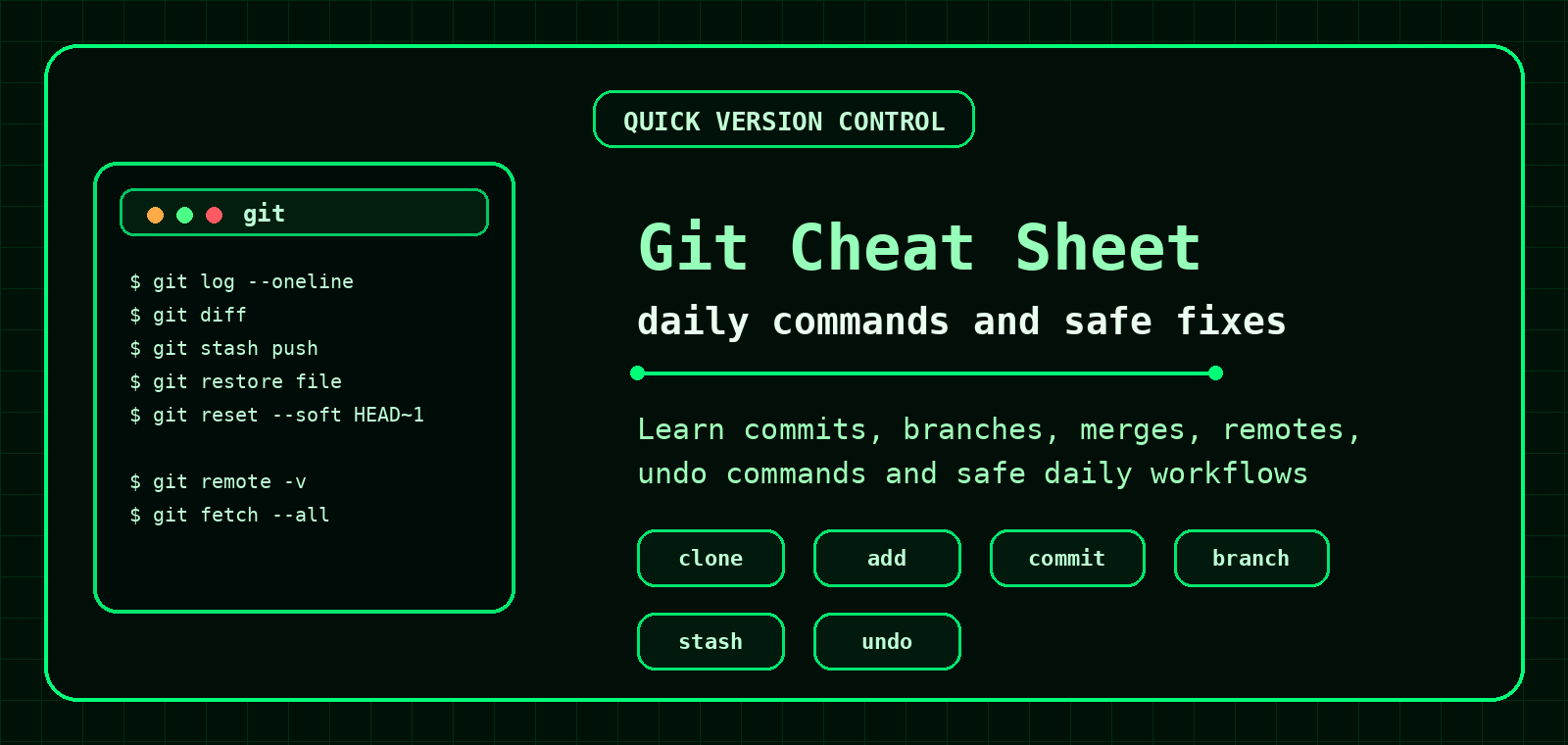
Git Command Cheat Sheet
Quick Git commands for everyday version control: checking changes, staging files, committing, branching, merging, pulling, pushing, stashing and safely undoing mistakes.
Setup
Set name
git config --global user.name "Your Name"Set email
git config --global user.email "you@example.com"Set default branch
git config --global init.defaultBranch mainShow config
git config --listDaily workflow
| Task | Command |
|---|---|
| Check current state | git status |
| Show unstaged changes | git diff |
| Stage one file | git add file.txt |
| Stage all changes | git add . |
| Commit staged changes | git commit -m "Message" |
| Show short history | git log --oneline --decorate --graph |
Branches
List branches
git branchCreate branch
git branch feature-nameSwitch branch
git switch feature-nameCreate and switch
git switch -c feature-nameMerge branch
git merge feature-nameDelete branch
git branch -d feature-nameRemotes
| Task | Command |
|---|---|
| Clone repository | git clone https://example.com/project.git |
| Show remotes | git remote -v |
| Add remote | git remote add origin URL |
| Fetch updates | git fetch |
| Pull safely if fast-forward only | git pull --ff-only |
| Push branch | git push origin branch-name |
| Push and set upstream | git push -u origin branch-name |
Inspect changes and history
Compact log
git log --onelineGraph log
git log --oneline --graph --decorate --allShow commit details
git show COMMIT_HASHCompare branches
git diff main..feature-nameStash unfinished work
Save work
git stash push -m "WIP message"List stashes
git stash listApply and remove stash
git stash popApply without removing
git stash apply stash@{0}Undo safely
| Task | Command | Notes |
|---|---|---|
| Unstage file | git restore --staged file.txt | Keeps file changes. |
| Discard file changes | git restore file.txt | Reverts file to last commit. |
| Undo last commit, keep staged changes | git reset --soft HEAD~1 | Good for fixing commit messages or adding missed files. |
| Undo commit with new reverse commit | git revert COMMIT_HASH | Safer for shared branches. |
| Danger: discard all local changes | git reset --hard | Destructive. Use only if you really mean it. |
For shared branches, prefer
git revert over rewriting history with reset. Future you will thank present you.Examples with output
Status output
$ git status
On branch main
Changes not staged for commit:
  modified:   index.html

Untracked files:
  notes.txt
Commit output
$ git commit -m "Fix header spacing"
[main a91c4d2] Fix header spacing
 1 file changed, 6 insertions(+), 2 deletions(-)
Short history
$ git log --oneline -3
a91c4d2 Fix header spacing
4b91d0e Add Git cheat sheet
c73a220 Fix quiz navigation
Branch creation
$ git switch -c update-footer
Switched to a new branch 'update-footer'
Stash output
$ git stash push -m "WIP footer"
Saved working directory and index state On main: WIP footer

$ git stash list
stash@{0}: On main: WIP footer
Unstage output
$ git restore --staged config.php
Unstaged changes after reset:
M config.phpGit workflows for everyday use
Check before changing
git status
git diff
Commit changes
git add file.txt
git commit -m "Update file"
Undo uncommitted file changes
git restore file.txtUndo a commit safely
git revert COMMIT_HASHFrequently Asked Questions
How do I see changed files?
Use git status for a summary and git diff for detailed changes.
How do I unstage a file?
Use git restore --staged file.txt.
How do I undo a commit safely?
Use git revert COMMIT_HASH.
Should I use git reset on shared branches?
Avoid rewriting shared history unless you know exactly what you are doing.